Geomagic Software — Design X, Control X & Wrap
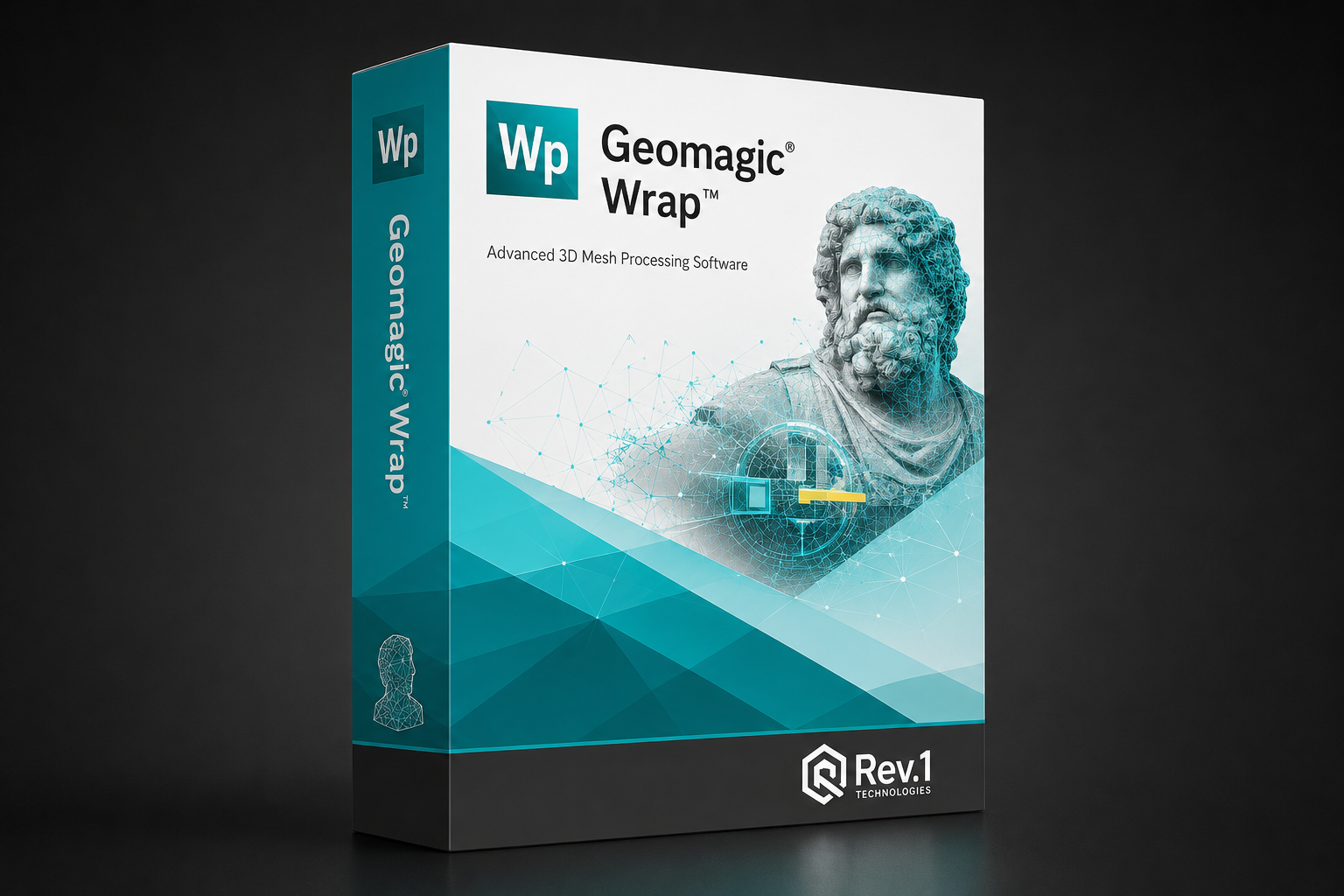
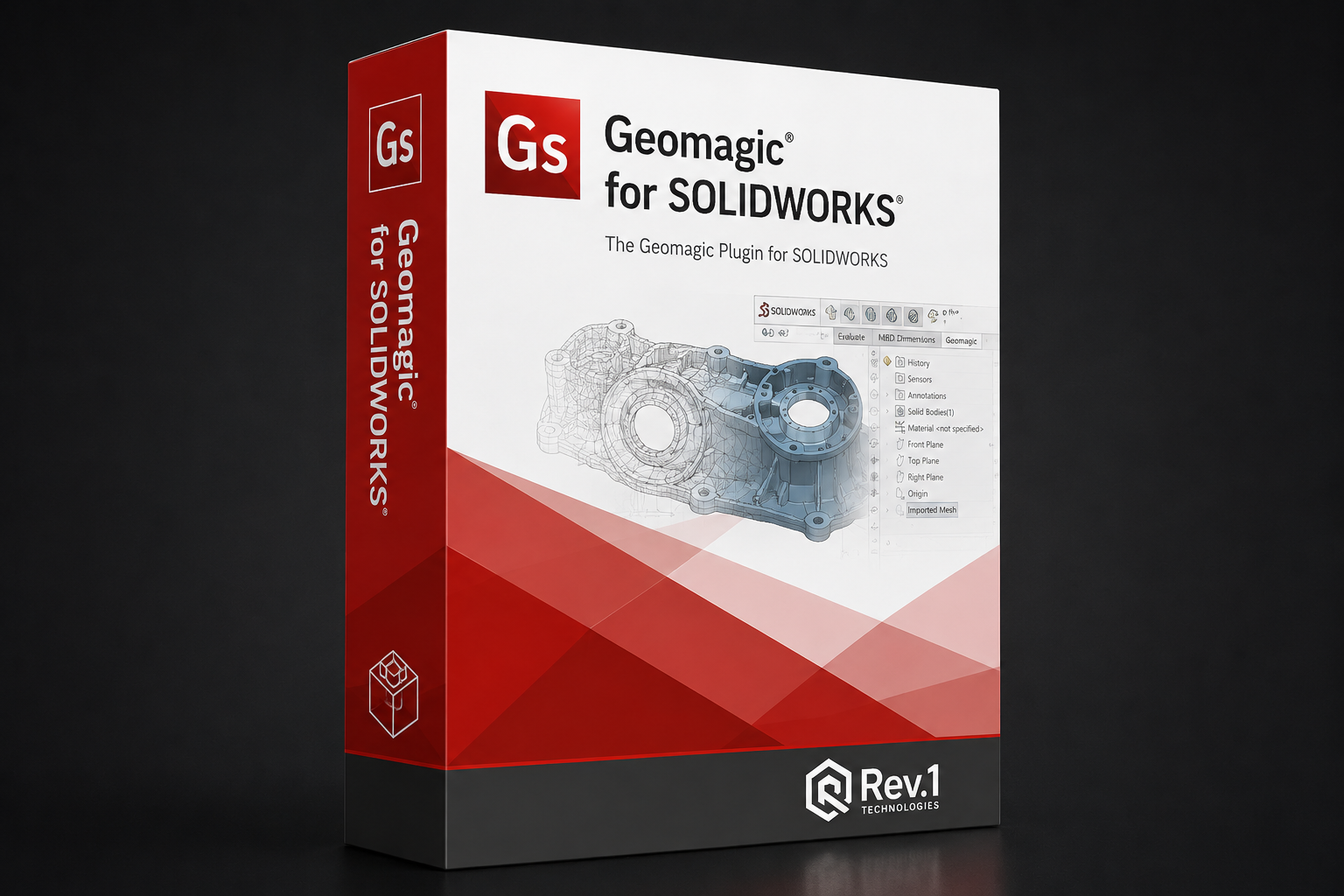
Geomagic (from Oqton) is the industry-standard software for turning 3D-scan data into CAD and inspection results. Design X reverse-engineers scans into editable, feature-based CAD; Control X runs traceable dimensional inspection and GD&T; Geomagic for SOLIDWORKS puts scan-to-CAD inside SOLIDWORKS; and Wrap cleans and processes meshes for reverse engineering, art and research. This page compares them so you can match the tool to your workflow.
- Scan-to-CAD
- Dimensional inspection
- Mesh processing
- US reseller & support
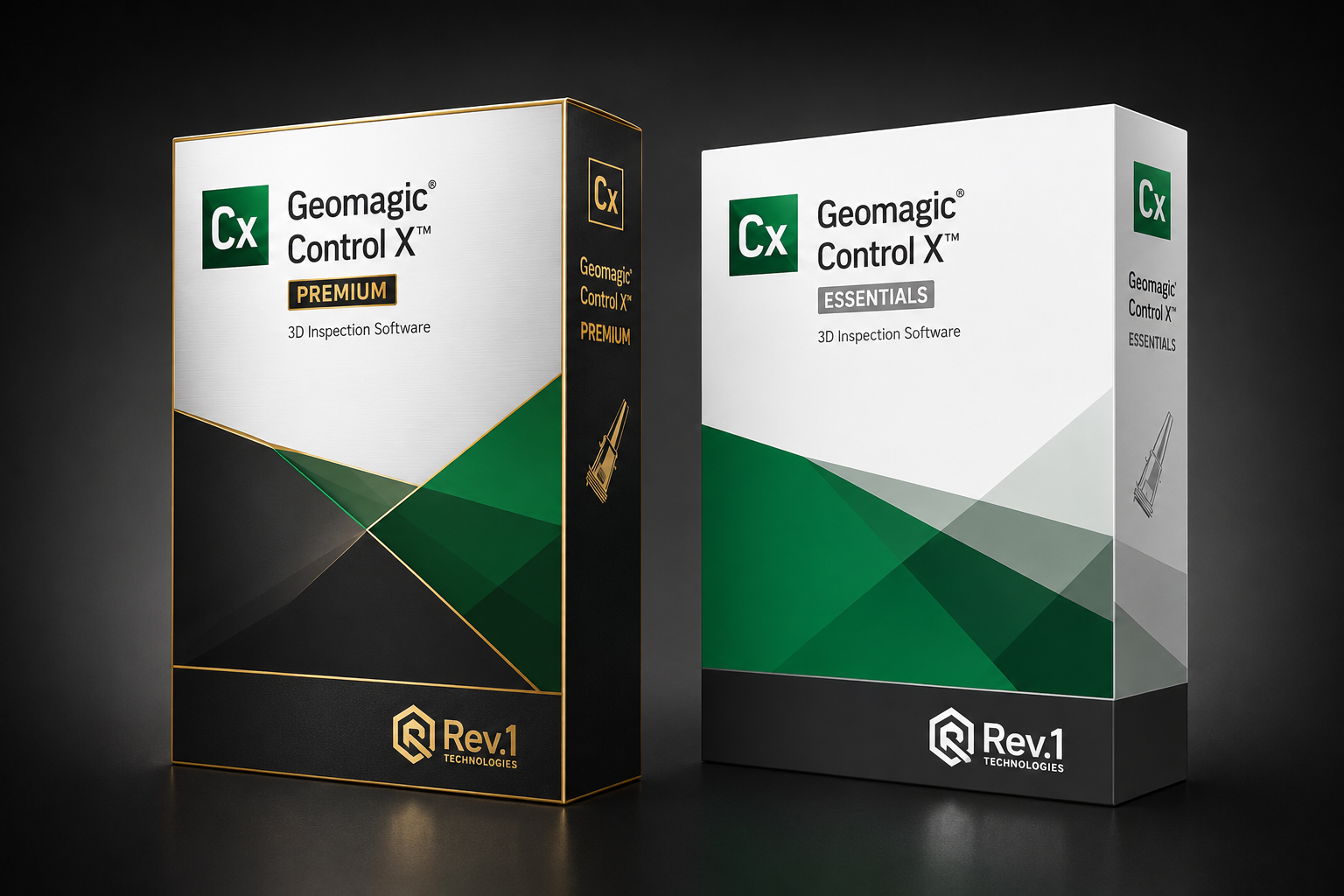
Choosing a Geomagic software machine
The decisions that actually matter for this class of machine — size them to your parts, not to a spec sheet.
Reverse engineer or inspect?
For turning scans into CAD, choose Design X (standalone) or Geomagic for SOLIDWORKS (inside SOLIDWORKS). For first-article and production inspection with GD&T and reports, choose Control X.
Standalone vs SOLIDWORKS
Design X is a full standalone reverse-engineering environment; Geomagic for SOLIDWORKS is the right pick if your team already lives in SOLIDWORKS and wants scan-to-CAD in the same window at a lower price.
Mesh processing
Wrap is the tool for cleaning, repairing and converting point clouds and meshes — the prep step for reverse engineering, 3D printing, digital archiving and research.
Licensing
Geomagic is available as perpetual or subscription licensing. We help you pick the right edition and license term, and support the install. Ask us for a quote for your seat count.
Compare the software lineup
| Specification | Design X | Control X | for SOLIDWORKS | Wrap |
|---|---|---|---|---|
| Purpose | Scan-to-CAD reverse engineering | Dimensional inspection & GD&T | Scan-to-CAD in SOLIDWORKS | Mesh / point-cloud processing |
| Output | Feature-based CAD (STEP/IGES) | Inspection reports & GD&T | SOLIDWORKS features | Clean meshes (STL/OBJ) |
| Best for | Reverse engineering | Quality & first-article | SOLIDWORKS users | Mesh prep, art & research |
| Environment | Standalone | Standalone | SOLIDWORKS add-in | Standalone |
| Price (from) | $4,190 | $5,520 | $2,739 | $3,332 |
Prices as published on each Rev1 product page; perpetual/subscription options vary — contact Rev1 for the right edition and seat count.
The Geomagic software we sell & support

Built for the work you already do
Frequently asked questions
Which Geomagic product do I need?
For turning scans into CAD, Design X (standalone) or Geomagic for SOLIDWORKS (inside SOLIDWORKS). For dimensional inspection and GD&T reports, Control X. For cleaning and converting meshes, Wrap. Tell us your workflow and we’ll recommend the edition.
Design X or Geomagic for SOLIDWORKS?
Both reverse-engineer scans into CAD. Design X is a full standalone environment with the broadest toolset; Geomagic for SOLIDWORKS runs inside SOLIDWORKS at a lower price — ideal if your team already uses SOLIDWORKS.
Is Geomagic perpetual or subscription?
Geomagic is available as perpetual or subscription licensing depending on the product and edition. We help you choose the right term and seat count — ask us for a quote.
Do you provide support?
Yes — Rev1 is an authorized Geomagic (Oqton) reseller with US-based sales and application support, plus install help. Call (248) 707-2950.
Can’t find your answer? Browse the support knowledge base for setup, calibration and troubleshooting guides, or open a support ticket.
Print your part before you buy the printer
A free sample print or a live demo — either way you leave with a real part in hand and a same-day quote. Or browse the full lineup and filter by what your parts need.
Already own Geomagic? Knowledge base & guides · Open a support ticket