CreatBotF430 NX Silicone PlateGenuine CreatBot Replacement Part
F430 NX Silicone Plate (Heated Bed Silicone Heater)
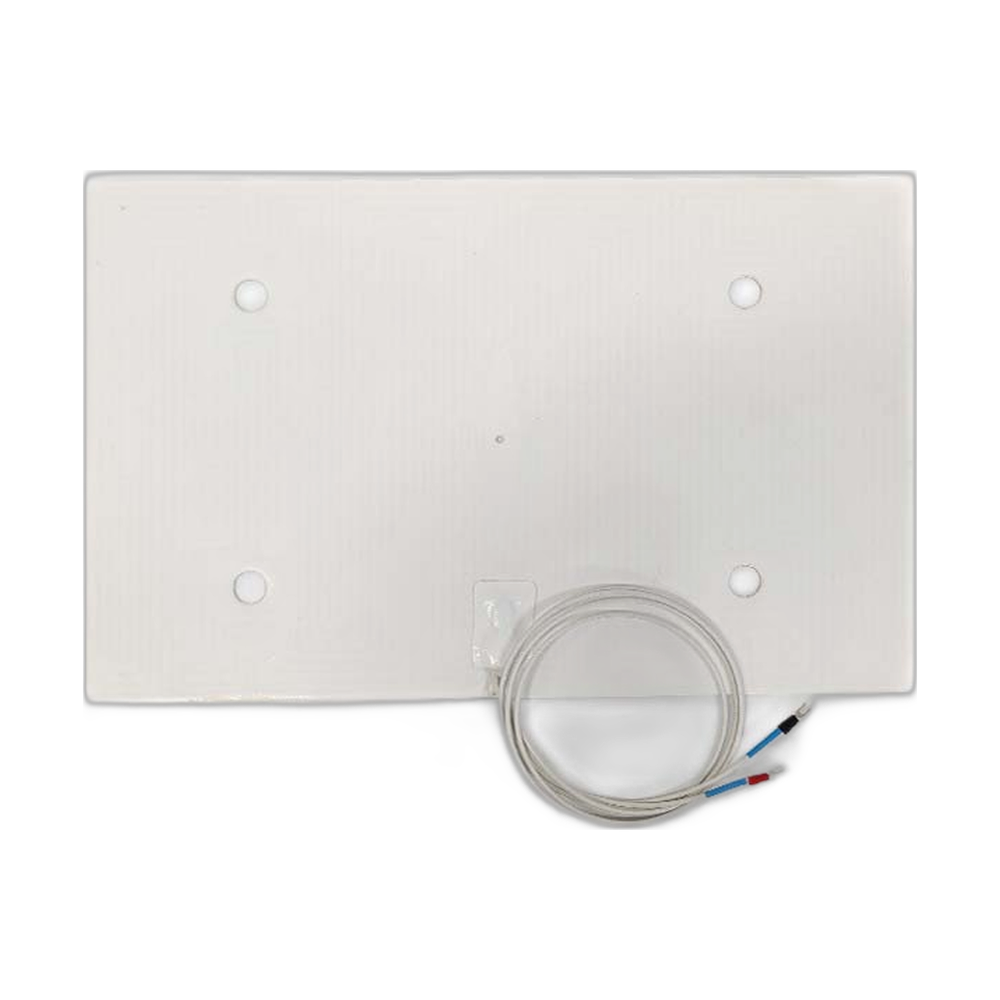
The CreatBot F430 NX silicone plate is the flexible silicone heater mounted under the build platform of the CreatBot F430 NX. It turns the platform into a heated bed, which is what keeps the first layer flat and stops high temperature engineering materials from curling as they cool. The plate is wired to mains power, so it comes in two versions, 110V and 220V, to match the way your printer was built. Full specifications →
Genuine CreatBot part, shipped from Rev1 — your authorized CreatBot dealer and service partner. Not sure it fits? Call (248) 707-2950.
Genuine CreatBot F430 NX Silicone Plate, from an authorized CreatBot dealer.
An authentic CreatBot replacement part, not a third-party copy. Rev1 Technologies is an authorized CreatBot dealer and certified CreatBot service provider in Auburn Hills, Michigan.


Why replace with a genuine plate
The plate is made for the F430 NX platform, so it covers the bed the way the original did.
A worn or partly failed heater leaves cold areas that show up as lifted edges and poor adhesion. A new plate restores uniform heating.
The genuine part works with the F430 NX's bed control the way the factory intended.
Choose your voltage
| Voltage | Part number | Fits |
|---|---|---|
| 110V | 172004 | F430 NX |
| 220V | 172003 | F430 NX |
Compatible CreatBot 3D printers
Both versions fit only the F430 NX. The original F430 uses different plates, parts 172001 (220V) and 172002 (110V).
Picking the right voltage
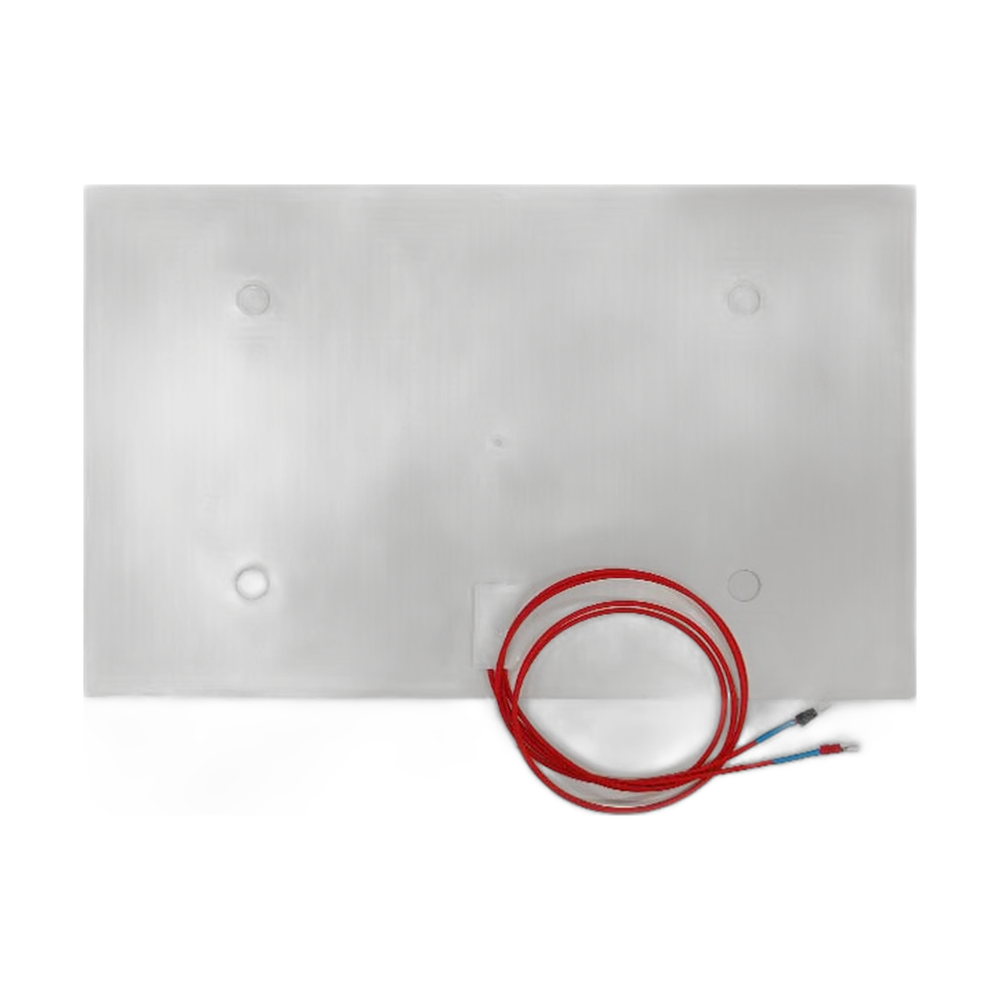
The voltage of the plate must match the voltage your F430 NX runs on. Machines supplied for the US and Canada are normally 110V; printers built for most of Europe and Asia are 220V. Fitting the wrong version is not a small mismatch: a heater on too high a supply can overheat, and one on too low a supply will barely warm the bed. The rating label on the printer, or on the plate you are taking out, settles it. Rev1 can also confirm it from your serial number.
Installation tips
Switch off and unplug the F430 NX and allow the platform to cool. Take a photo of the heater and sensor wiring, remove the old plate and clean the platform surface so the new plate bonds flat. Reconnect the leads in the same positions, secure the cable against the moving bed, then heat the bed once and confirm it reaches temperature before you re-level and print.
CreatBot F430 NX Silicone Plate Specifications
WHY REV1 TECH
Sold and Supported by Rev1 Technologies
Rev1 Technologies is an authorized CreatBot dealer and certified CreatBot service provider in the US. Not sure which part your printer needs? Send us your printer model and serial number and our team will confirm the right part before it ships. We also handle installation, repair and preventive maintenance on CreatBot printers.
CreatBot F430 NX Silicone Plate — Questions
Which voltage do I need?
The one your F430 NX was built for. A US 110V printer takes part 172004; a 220V printer takes part 172003.
Is this the same plate as the F430?
No. The F430 NX and F430 use different silicone plates, so order the one listed for your model.
Is it a genuine CreatBot part?
Yes, supplied by Rev1 Technologies, an authorized CreatBot dealer and certified CreatBot service provider.
Is this a genuine CreatBot part?
Yes. Rev1 Technologies is an authorized CreatBot dealer and certified CreatBot service provider in the US, and every part we sell is a genuine CreatBot part.
How do I confirm it fits my printer?
Send us your printer model and serial number, or call (248) 707-2950, and our team will confirm the right part before it ships.
Can Rev1 install it for me?
Yes. We handle installation, repair and preventive maintenance on CreatBot printers. Ask us about on-site or depot service.