Bambu Lab P-Series — P1S & P2S Enclosed CoreXY 3D Printers
The P-Series is the enclosed CoreXY that most engineering and small-production users buy: a fully enclosed, filtered chamber that holds heat for ABS, ASA, PC and fiber-reinforced materials, at up to 500 mm/s with AMS multi-color for up to 16 colors. The P1S is the proven workhorse; the P2S is the newest model and the best value, adding a full-color touchscreen, AI error detection and the AMS 2 Pro with active drying — at a lower price. (The open-frame P1P has been discontinued; the P1S replaces it.) This page compares the two enclosed machines head to head.
- Enclosed CoreXY
- AMS · up to 16 colors
- From $649
- US stock & support
Choosing a Bambu Lab p-series machine
The decisions that actually matter for this class of machine — size them to your parts, not to a spec sheet.
Why enclosed
A fully enclosed, filtered chamber is what lets you run ABS, ASA, PC and CF/GF-reinforced materials reliably — it holds chamber heat so big parts do not warp, and the activated-carbon filter traps fumes. Both P-Series machines are fully enclosed.
P1S vs P2S
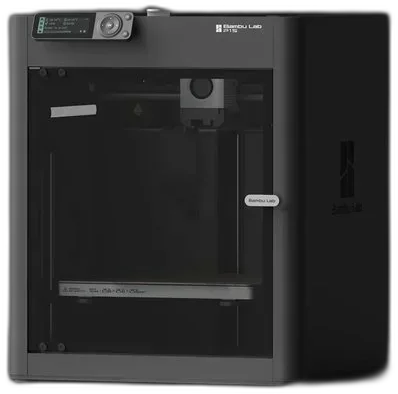
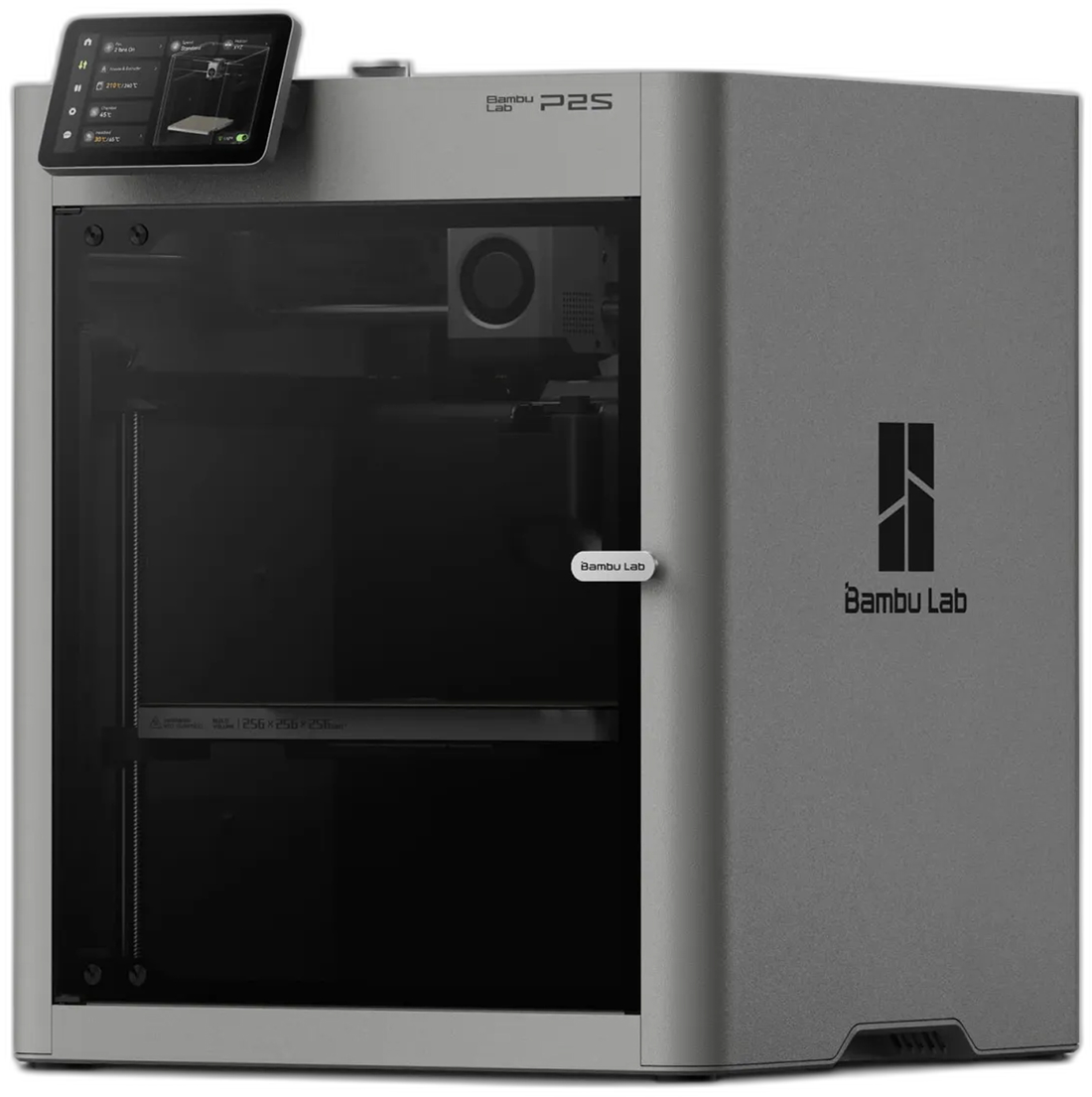
The P2S is newer, cheaper, and adds a full-color touchscreen, AI error detection, DynaSense extruder with grinding detection, and AMS 2 Pro active drying. The P1S is the established machine with a mono screen. For most buyers the P2S is the better value.
Multi-color & drying
Both run up to four AMS units / 16 colors. The P2S targets the AMS 2 Pro, which actively dries filament — worth it for PETG, PA and PVA that absorb moisture.
Materials & nozzle
Both print PLA, PETG, TPU, PVA, PET, ABS, ASA and PC out of the box, and carbon- or glass-filled grades with a hardened nozzle. The P2S hotend is quick-swap for fast nozzle changes.
Compare the p-series lineup
| Specification | P1S | P2S |
|---|---|---|
| Best for | Proven enclosed workhorse | Newest value enclosed CoreXY |
| Build volume | 256 × 256 × 256 mm | 256 × 256 × 256 mm |
| Enclosure | Enclosed + activated-carbon filter | Enclosed + activated-carbon filter |
| Max print speed | 500 mm/s | 500 mm/s |
| Max acceleration | 20,000 mm/s² | 20,000 mm/s² |
| Hotend | All-metal, up to 300 °C | Quick-swap all-metal, up to 300 °C |
| Max bed temp | 100 °C textured PEI | 100 °C textured PEI |
| Extruder | Direct drive, dual-gear steel | DynaSense · grinding detection |
| Display | 2.7″ mono + control knob | Full-color touchscreen |
| Monitoring | Camera · timelapse | AI error detection · camera |
| Multi-color | AMS-ready — 4 units / 16 colors | AMS 2 Pro-ready — active drying, 16 colors |
| Materials | PLA → PC, PA (CF/GF w/ hardened nozzle) | PLA → PC, PA (CF/GF w/ hardened nozzle) |
| Price | $799 | $649 |
Specs as published on each Rev1 product page. AMS and Combo configurations quoted on request.
Bambu Lab P-Series printers we sell & support
Built for the work you already do
Frequently asked questions
P1S or P2S — which should I buy?
The P2S is newer, costs less ($649 vs $799), and adds a full-color touchscreen, AI error detection, a DynaSense extruder and AMS 2 Pro active drying. For most buyers it is the better machine and the better value. The P1S remains a proven choice with a mono screen and control knob.
What happened to the P1P?
Bambu Lab has discontinued the open-frame P1P. The enclosed P1S is its replacement and the one to choose if engineering materials matter — call us to confirm any remaining P1P availability.
Can the P-Series print ABS, ASA and carbon-filled materials?
Yes. Both are fully enclosed with an activated-carbon filter, so they hold chamber heat for ABS, ASA and PC. Add a hardened nozzle for carbon- and glass-filled (CF/GF) grades.
How does AMS multi-color work on the P-Series?
Both support up to four AMS units for 16 colors in one print. The P2S targets the AMS 2 Pro, which actively dries filament — useful for moisture-sensitive materials like PETG, PA and PVA.
What support and financing come with it?
Genuine Bambu Lab hardware with US warehouse stock, Klarna financing, and setup and troubleshooting help from our US team. Call (248) 707-2950.
Can’t find your answer? Browse the support knowledge base for setup, calibration and troubleshooting guides, or open a support ticket.
Print your part before you buy the printer
A free sample print or a live demo — either way you leave with a real part in hand and a same-day quote. Or browse the full lineup and filter by what your parts need.
Already own Bambu Lab? Knowledge base & guides · Open a support ticket