CreatBotPEEK-250 Air Filter FanGenuine CreatBot Replacement Part
Air Filter Fan for PEEK-250 3D Printer
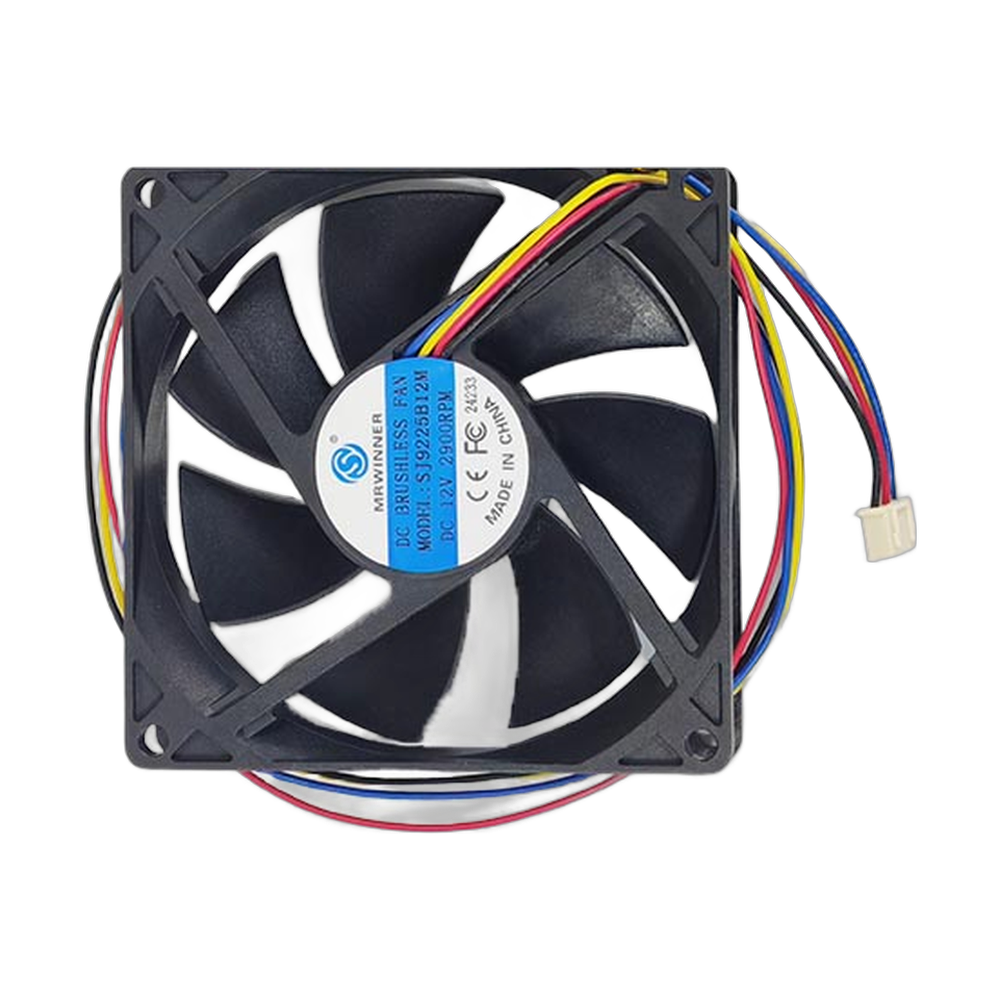
The CreatBot air filter fan (part 150043) is the OEM fan for the air filtration system on the CreatBot PEEK-250 high temperature 3D printer. A filtration fan pulls air from the print chamber through the filter, which captures particles and reduces the odor released by engineering materials during long prints. The filter only works while air moves through it, so a weak or failed fan leaves fumes in the chamber and in the room. Full specifications →
Genuine CreatBot part, shipped from Rev1 — your authorized CreatBot dealer and service partner. Not sure it fits? Call (248) 707-2950.
Genuine CreatBot PEEK-250 Air Filter Fan, from an authorized CreatBot dealer.
An authentic CreatBot replacement part, not a third-party copy. Rev1 Technologies is an authorized CreatBot dealer and certified CreatBot service provider in Auburn Hills, Michigan.


Signs the air filter fan needs replacing
No airflow at the filter outlet while the filtration system is switched on.
A stronger smell around the printer than usual during prints.
Rattling, grinding or a fan that starts slowly or stops at random.
A fan error or warning on the printer, if your firmware reports one.
A clogged filter also reduces airflow. Check the filter element before you replace the fan.
Compatible CreatBot 3D printer
The PEEK-250 uses several different fans, each with its own part number: the cooling fan (150009), the water cooling system fan (150010) and the top chamber cooling fan (150011). The F430 uses its own filter fan, part 150017.
Keeping the filtration system working
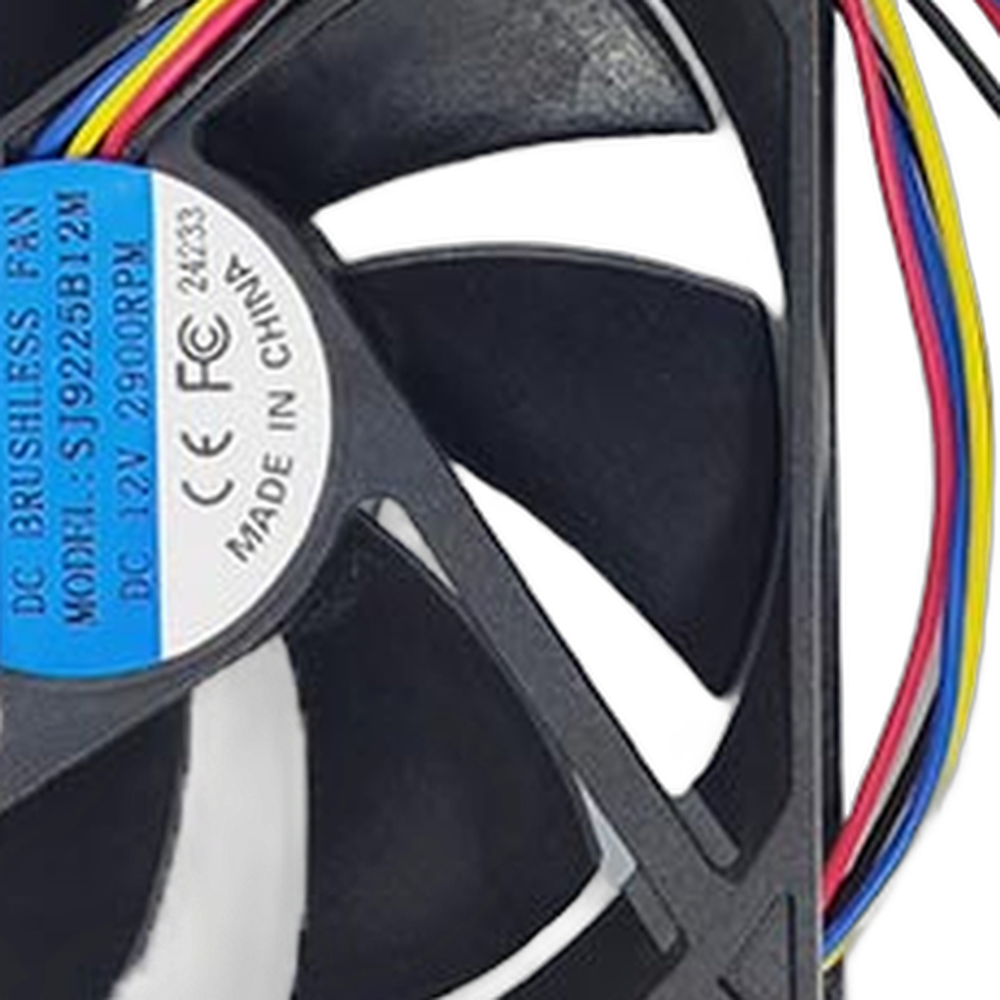
Fan and filter work as a pair. Replace the filter on the schedule in your PEEK-250 manual, keep the intake clear of dust and debris, and listen for changes in fan noise. Replacing a noisy fan early is easier than waiting for it to stop during a long high temperature job.
Installation tips
Power the printer off and let the chamber cool fully before you open it. Note the fan orientation (the airflow arrow on the frame) and the cable route, then fit the new fan the same way so it pushes air through the filter in the right direction. Reconnect, power on and confirm airflow at the outlet.
CreatBot PEEK-250 Air Filter Fan Specifications
WHY REV1 TECH
Sold and Supported by Rev1 Technologies
Rev1 Technologies is an authorized CreatBot dealer and certified CreatBot service provider in the US. Not sure which part your printer needs? Send us your printer model and serial number and our team will confirm the right part before it ships. We also handle installation, repair and preventive maintenance on CreatBot printers.
CreatBot PEEK-250 Air Filter Fan — Questions
Is this the same as the PEEK-250 cooling fan?
No. The cooling fan is part 150009. This fan serves the air filtration system.
Will it fit my F430?
No. The F430 filter fan is part 150017.
Is this a genuine CreatBot part?
Yes. It is CreatBot part 150043, supplied by Rev1 Technologies, an authorized CreatBot dealer.
Is this a genuine CreatBot part?
Yes. Rev1 Technologies is an authorized CreatBot dealer and certified CreatBot service provider in the US, and every part we sell is a genuine CreatBot part.
How do I confirm it fits my printer?
Send us your printer model and serial number, or call (248) 707-2950, and our team will confirm the right part before it ships.
Can Rev1 install it for me?
Yes. We handle installation, repair and preventive maintenance on CreatBot printers. Ask us about on-site or depot service.