CreatBotFilament SensorGenuine CreatBot Replacement Part
Filament Sensor for D Series, D Series HS, F Series and PEEK Series 3D Printers
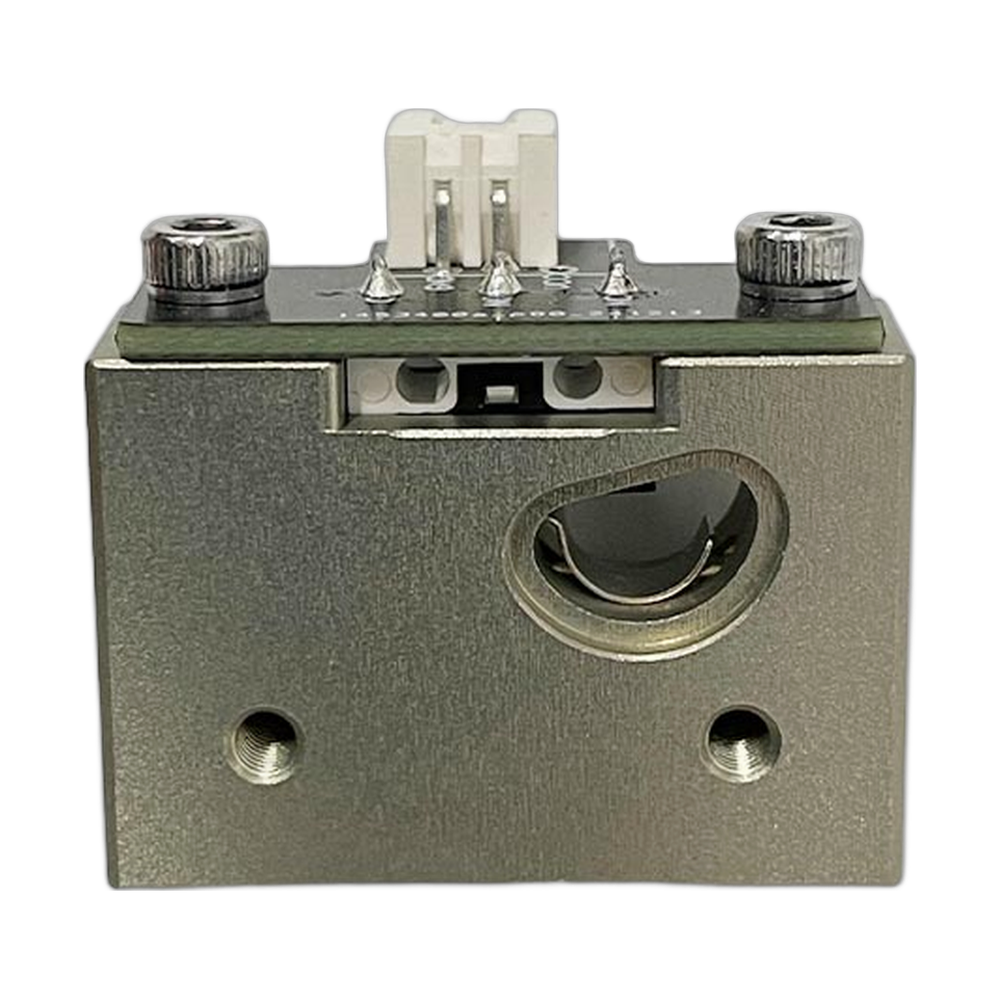
The CreatBot filament sensor watches the filament on its way to the extruder and tells the printer when it runs out or stops feeding, so the printer can pause the job instead of printing in the air. Full specifications →
Genuine CreatBot part, shipped from Rev1 — your authorized CreatBot dealer and service partner. Not sure it fits? Call (248) 707-2950.
Genuine CreatBot Filament Sensor, from an authorized CreatBot dealer.
An authentic CreatBot replacement part, not a third-party copy. Rev1 Technologies is an authorized CreatBot dealer and certified CreatBot service provider in Auburn Hills, Michigan.


Signs the filament sensor needs replacing
The printer reports a runout while filament is loaded and feeding normally.
The spool runs empty and the printer keeps going with no runout warning.
Random pauses in the middle of a print that stop when filament detection is switched off.
A cracked housing, a damaged connector or a broken cable at the sensor.
Check the filament path first: a tangle on the spool, a kinked guide tube or dust inside the sensor can cause false alarms. Contact Rev1 support if you are not sure the sensor is the cause.
Choose your printer
| Printer option | Part number | Fits |
|---|---|---|
| D600 Pro2 HS | 116001 | All models listed below |
| D1000 HS | 116002 | All models listed below |
| F430 NX | 116003 | All models listed below |
| PEEK-250 | 116004 | All models listed below |
| F430 | 116005 | All models listed below |
| D600 Pro | 116006 | All models listed below |
| PEEK-300 | 116007 | All models listed below |
| D1000 | 116008 | All models listed below |
| D600 Pro2 | 116009 | All models listed below |
| F1000 | 116010 | All models listed below |
Compatible CreatBot 3D printers
Fit is the same for every option. The D400 HS, D600 Pro3 HS, D1000 Pro HS, D800 Ultra and D1200 Ultra use a different pair of sensors: the Pro-HS filament sensor L (116012) and R (116013).
Which part number should I choose?
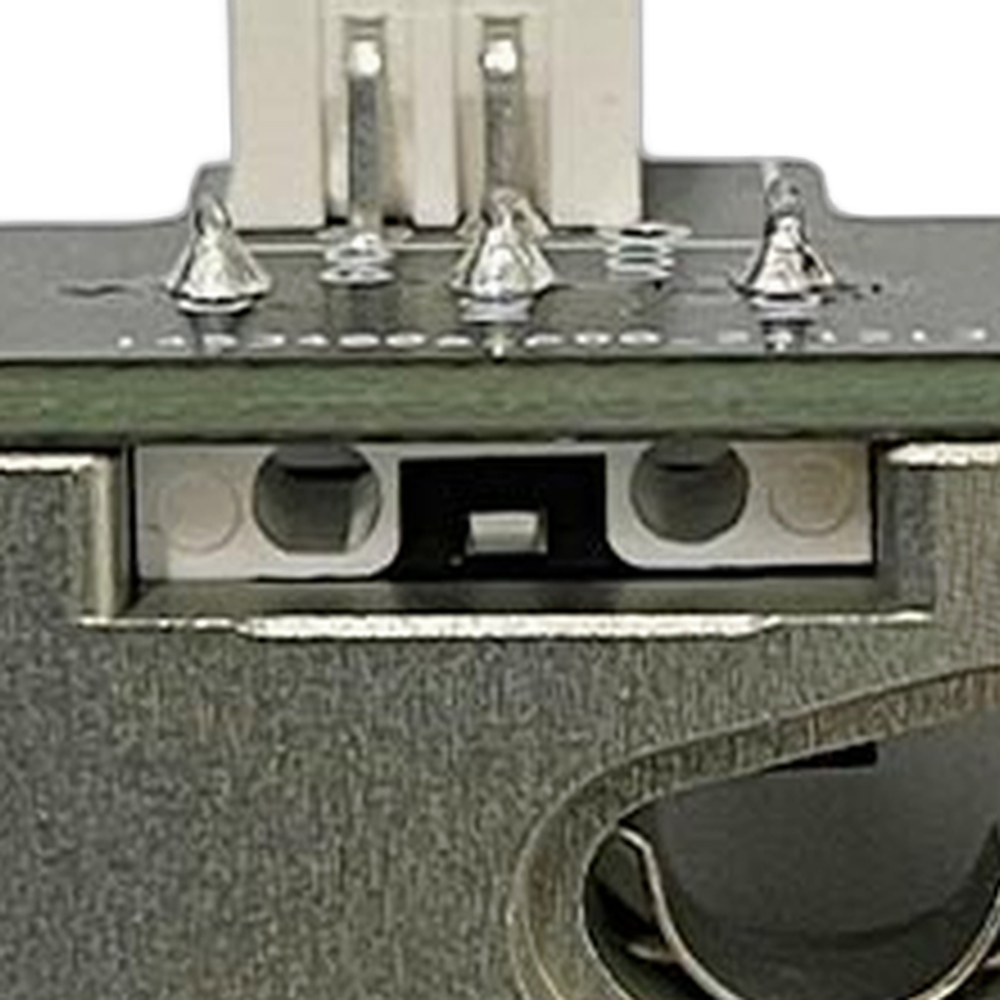
The sensor is identical under all ten numbers, so the choice is about records, not fit. Pick the number for your own printer so it matches your parts list. If you run several of the models above, one spare covers all of them.
Installation tips
Power the printer off before you unplug the sensor. Unload the filament, note the cable routing and connector, and fit the new sensor in the same position and direction of travel. Load filament through it, confirm that filament detection is turned on in the printer settings, then test it once by removing the filament during the load routine and checking that the printer reacts.
CreatBot Filament Sensor Specifications
WHY REV1 TECH
Sold and Supported by Rev1 Technologies
Rev1 Technologies is an authorized CreatBot dealer and certified CreatBot service provider in the US. Not sure which part your printer needs? Send us your printer model and serial number and our team will confirm the right part before it ships. We also handle installation, repair and preventive maintenance on CreatBot printers.
CreatBot Filament Sensor — Questions
Which printer option do I need?
Choose the option that names your printer. All ten part numbers are the same sensor, so any of them fits every model listed above.
Will it fit my D600 Pro3 HS?
No. The D600 Pro3 HS uses the Pro-HS filament sensors, parts 116012 (left) and 116013 (right).
Is this a genuine CreatBot part?
Yes. It is the OEM CreatBot filament sensor, supplied by Rev1 Technologies, an authorized CreatBot dealer and certified service provider.
Is this a genuine CreatBot part?
Yes. Rev1 Technologies is an authorized CreatBot dealer and certified CreatBot service provider in the US, and every part we sell is a genuine CreatBot part.
How do I confirm it fits my printer?
Send us your printer model and serial number, or call (248) 707-2950, and our team will confirm the right part before it ships.
Can Rev1 install it for me?
Yes. We handle installation, repair and preventive maintenance on CreatBot printers. Ask us about on-site or depot service.