CreatBotF430 Filter FanGenuine CreatBot Replacement Part
For the CreatBot F430
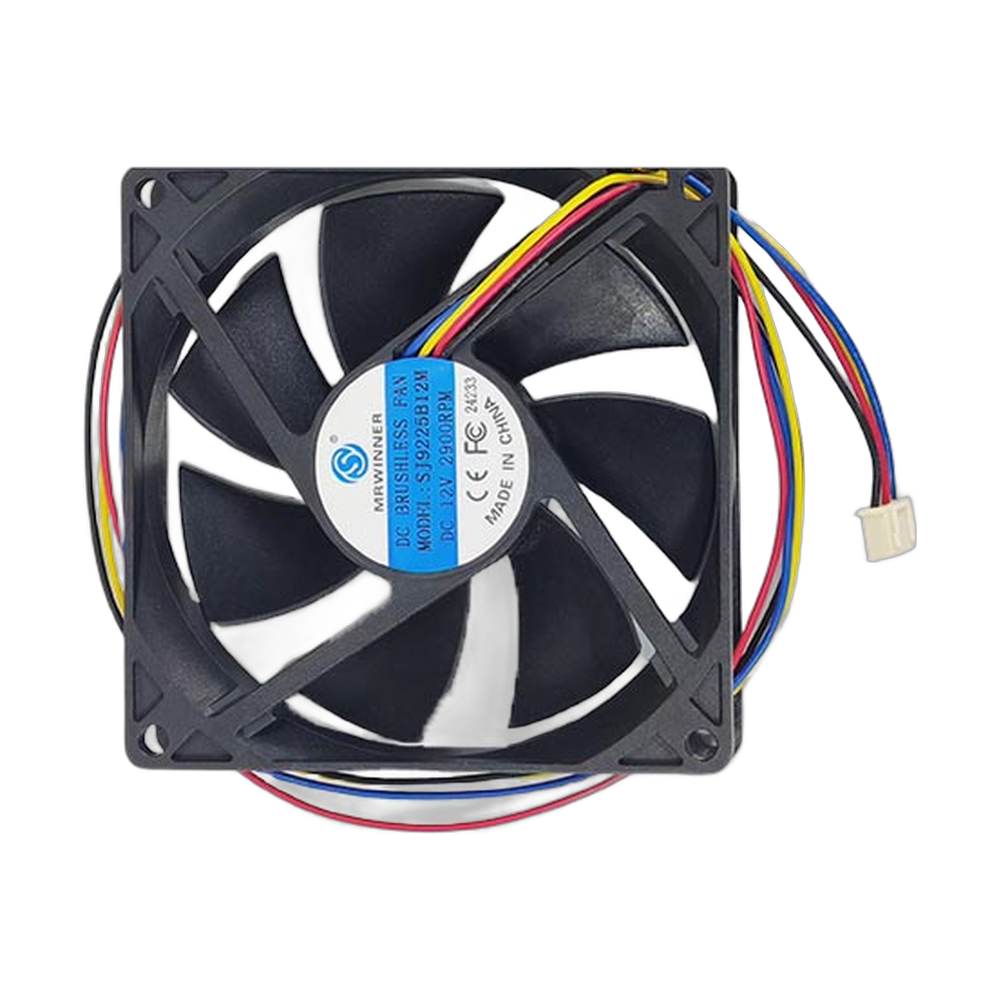
The CreatBot F430 filter fan (part 150017) is the OEM fan for the air filtration system on the CreatBot F430 3D printer. It draws air out of the enclosed print chamber and pushes it through the filter, which traps particles and reduces the odor from materials such as ABS, ASA and nylon. Because the filter is passive, the fan is what makes filtration happen. If it stops, chamber air leaks out unfiltered. Full specifications →
Genuine CreatBot part, shipped from Rev1 — your authorized CreatBot dealer and service partner. Not sure it fits? Call (248) 707-2950.
Genuine CreatBot F430 Filter Fan, from an authorized CreatBot dealer.
An authentic CreatBot replacement part, not a third-party copy. Rev1 Technologies is an authorized CreatBot dealer and certified CreatBot service provider in Auburn Hills, Michigan.


Signs the filter fan needs replacing
A stronger smell in the room while the F430 is printing.
No airflow at the filter outlet when filtration is on.
A grinding, ticking or whining sound from the filter area.
The fan runs intermittently or only after a tap on the housing.
A saturated or clogged filter element also reduces airflow, so check the filter before you replace the fan.
Compatible CreatBot 3D printer
The F430 also uses a sink fan (150014), a print cooling fan (150015), a drive cooling fan (150016) and a cross flow fan (150018 for 220V, 150019 for 110V). The PEEK-250 air filter fan is a different part, 150043.
Getting the most from F430 filtration
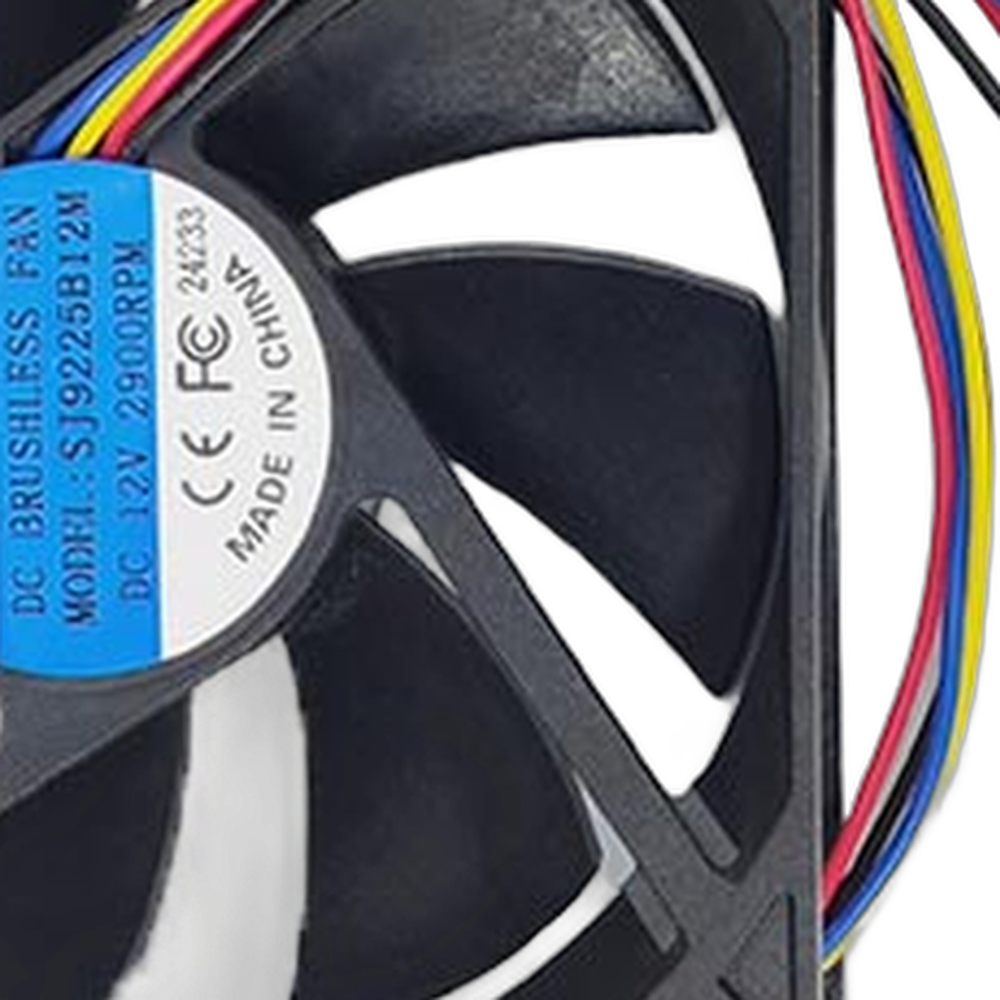
Keep the chamber door closed while printing so air leaves through the filter instead of around it. Replace the filter element as your F430 manual recommends, and keep the printer away from walls or objects that block the outlet. A fan that runs strongly and a filter that is in good condition work together; one without the other does little.
Installation tips
Power the printer off, unplug it and let the chamber cool. Note the airflow arrow on the old fan and photograph the connector before you remove it. Fit the new fan with the arrow pointing the same way so air still passes through the filter in the right direction. Reconnect, power on, switch on filtration and check the outlet for airflow.
CreatBot F430 Filter Fan Specifications
WHY REV1 TECH
Sold and Supported by Rev1 Technologies
Rev1 Technologies is an authorized CreatBot dealer and certified CreatBot service provider in the US. Not sure which part your printer needs? Send us your printer model and serial number and our team will confirm the right part before it ships. We also handle installation, repair and preventive maintenance on CreatBot printers.
CreatBot F430 Filter Fan — Questions
Will the PEEK-250 air filter fan fit my F430?
No. The PEEK-250 uses part 150043. The F430 uses this fan, part 150017.
Does this fan include a filter?
No. This listing is the fan only.
Is this a genuine CreatBot part?
Yes. It is CreatBot part 150017, supplied by Rev1 Technologies, an authorized CreatBot dealer.
Is this a genuine CreatBot part?
Yes. Rev1 Technologies is an authorized CreatBot dealer and certified CreatBot service provider in the US, and every part we sell is a genuine CreatBot part.
How do I confirm it fits my printer?
Send us your printer model and serial number, or call (248) 707-2950, and our team will confirm the right part before it ships.
Can Rev1 install it for me?
Yes. We handle installation, repair and preventive maintenance on CreatBot printers. Ask us about on-site or depot service.