CreatBotF430 Drive Cooling FanGenuine CreatBot Replacement Part
For the CreatBot F430
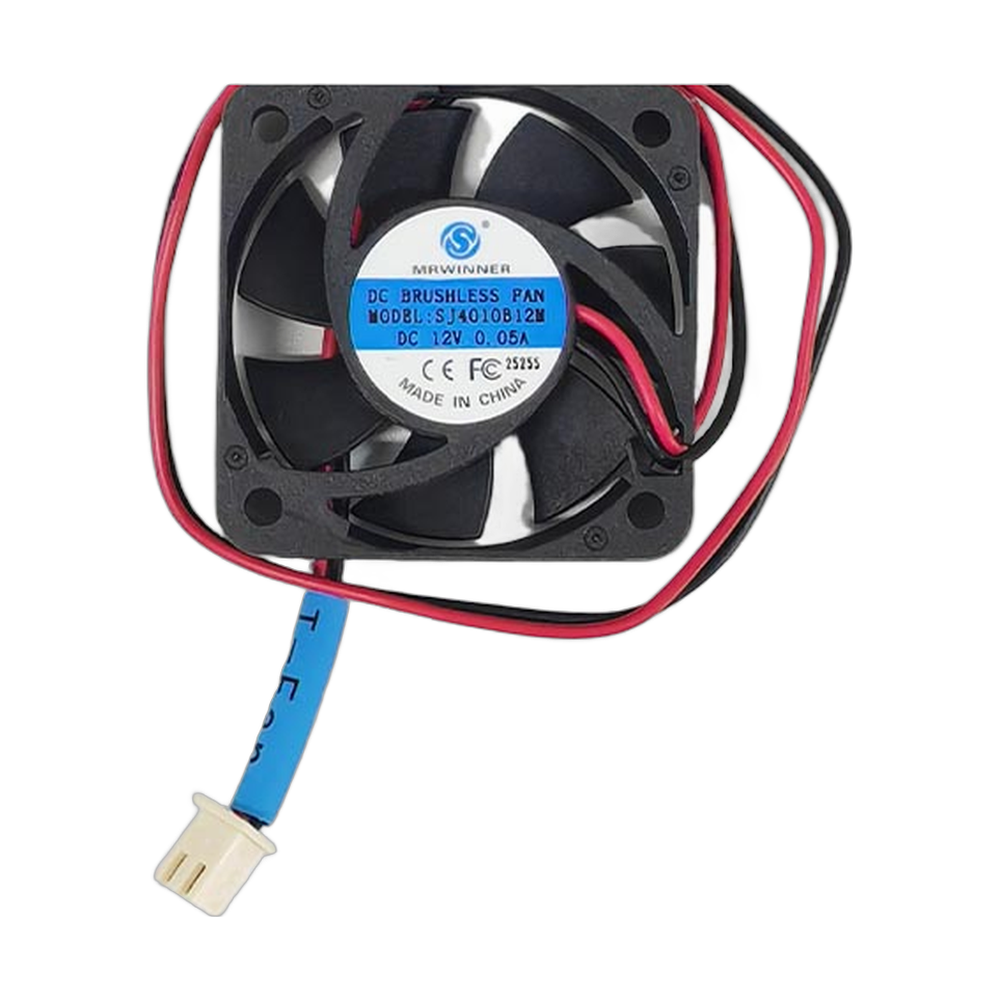
The CreatBot F430 drive cooling fan (part 150016) is the OEM fan that cools the stepper motor drivers in the CreatBot F430 3D printer. The drivers are the chips that send current to each motor, and they get warm while the printer moves. Many drivers protect themselves by cutting power to the motor when they overheat, which makes the motor skip steps. The drive cooling fan keeps them in their working range so the axes move exactly where the firmware tells them. Full specifications →
Genuine CreatBot part, shipped from Rev1 — your authorized CreatBot dealer and service partner. Not sure it fits? Call (248) 707-2950.
Genuine CreatBot F430 Drive Cooling Fan, from an authorized CreatBot dealer.
An authentic CreatBot replacement part, not a third-party copy. Rev1 Technologies is an authorized CreatBot dealer and certified CreatBot service provider in Auburn Hills, Michigan.


Signs the drive cooling fan needs replacing
Layer shifts that appear only after the printer has been running for a while.
Motors that stutter, lose position or stop briefly during long prints.
The fan in the electronics area is silent, slow or noisy.
A noticeably hot electronics compartment.
Layer shifts can also come from loose belts, pulleys or a collision with the print, so check the mechanics too.
Compatible CreatBot 3D printer
Other F430 fans are the sink fan (150014), the print cooling fan (150015), the filter fan (150017) and the cross flow fan (150018 for 220V, 150019 for 110V).
Why driver cooling matters on the F430
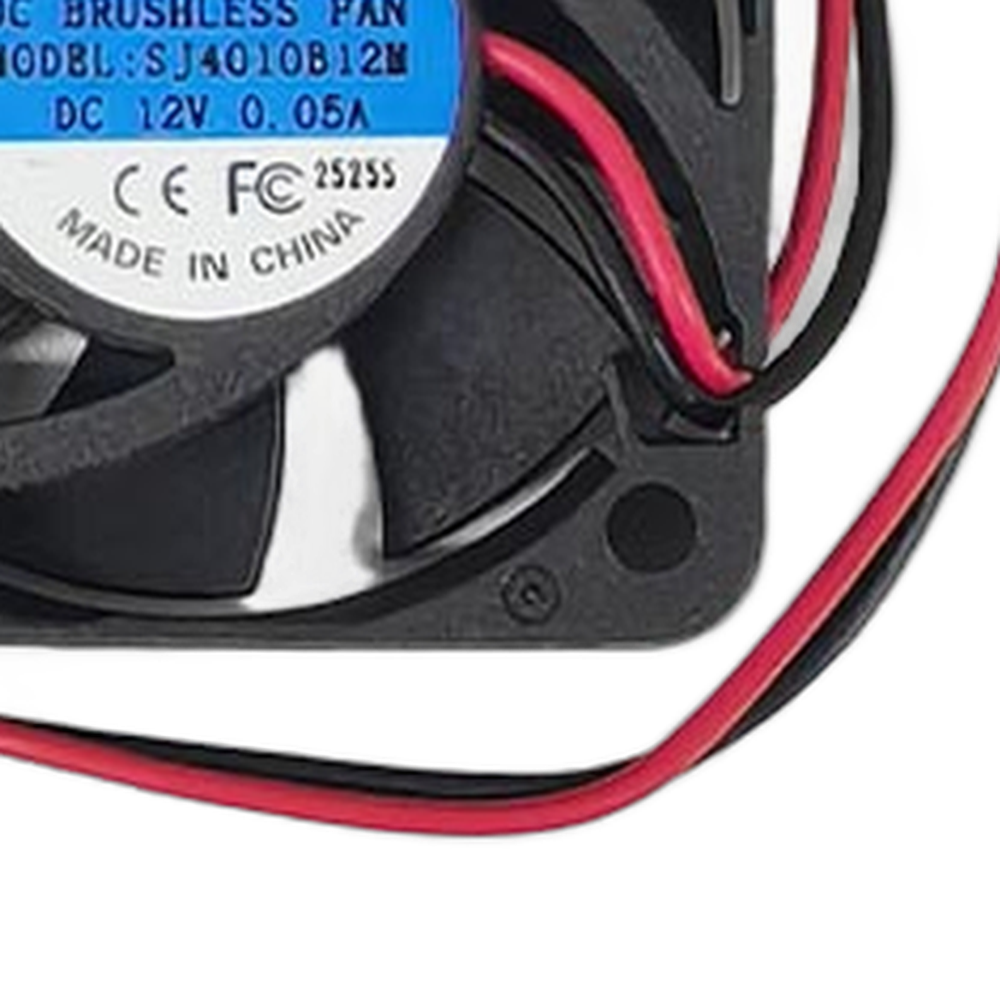
The F430 prints engineering materials that often run with a heated chamber, and long jobs keep the motors busy for hours. Warm surroundings and constant motion both add heat to the drivers. A working drive cooling fan is a simple way to keep long prints free of the random layer shifts that overheated drivers cause.
Installation tips
Unplug the printer before opening the electronics compartment, and use anti-static precautions near the boards. Photograph the fan connector and note the airflow direction marked on the fan frame. Mount the new fan facing the same way so it still blows across the drivers, keep its cable clear of other connectors, then power on and check it spins.
CreatBot F430 Drive Cooling Fan Specifications
WHY REV1 TECH
Sold and Supported by Rev1 Technologies
Rev1 Technologies is an authorized CreatBot dealer and certified CreatBot service provider in the US. Not sure which part your printer needs? Send us your printer model and serial number and our team will confirm the right part before it ships. We also handle installation, repair and preventive maintenance on CreatBot printers.
CreatBot F430 Drive Cooling Fan — Questions
What does the drive cooling fan cool?
The stepper motor drivers in the electronics area, not the hotend or the printed part.
Can Rev1 diagnose layer shifts for me?
Yes. Rev1 is a certified CreatBot service provider and can check the fan, drivers and mechanics.
Is this a genuine CreatBot part?
Yes. It is CreatBot part 150016, supplied by Rev1 Technologies, an authorized CreatBot dealer.
Is this a genuine CreatBot part?
Yes. Rev1 Technologies is an authorized CreatBot dealer and certified CreatBot service provider in the US, and every part we sell is a genuine CreatBot part.
How do I confirm it fits my printer?
Send us your printer model and serial number, or call (248) 707-2950, and our team will confirm the right part before it ships.
Can Rev1 install it for me?
Yes. We handle installation, repair and preventive maintenance on CreatBot printers. Ask us about on-site or depot service.