Bambu Lab AMS Hub Run Up to Four AMS. Sixteen Filaments.
Run Up to Four AMS. Sixteen Filaments.
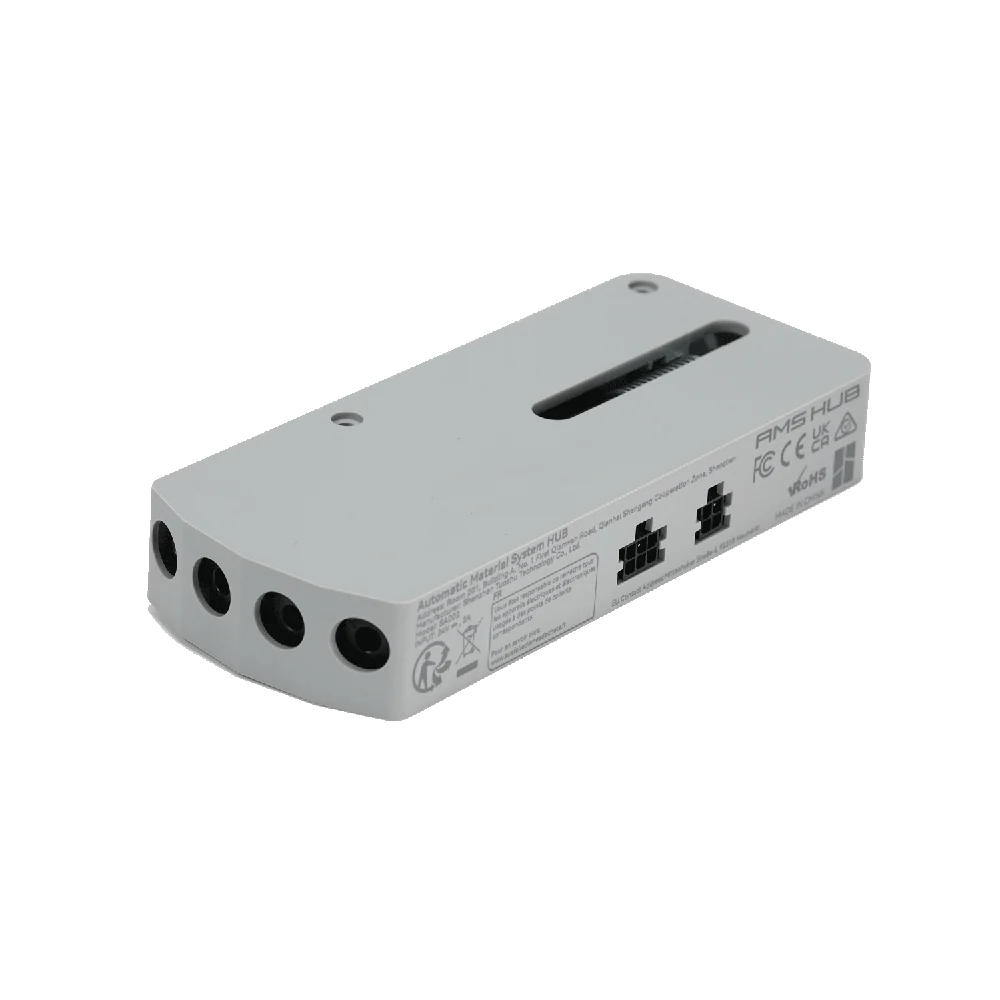
The Bambu Lab AMS Hub lets X1 and P1 series printers connect and manage up to four AMS units — 16 filament channels — from a single machine. It replaces the printer’s built-in filament buffer with buffered, redundant signal handling across every connected AMS, so multi-unit setups switch filament cleanly and reliably. It ships with the cabling to connect two AMS out of the box; add a bus cable and PTFE tube per extra unit to reach the full four. Full specifications →
In stock in the USA — ships from Rev1. Planning a multi-AMS setup? Call (248) 707-2950.
Genuine Bambu Lab Part. US Stock, Fast Shipping.
The AMS Hub is an authentic Bambu Lab accessory, supplied and supported by Rev1 Technologies — your authorized Bambu Lab reseller in Auburn Hills, Michigan. Not a third-party clone.


From Four Channels to Sixteen.
A single AMS gives a Bambu printer four filament channels. The AMS Hub is what lets the printer see more than one AMS at a time — chain up to four units together and the printer can draw from as many as 16 loaded filaments in one job. For multi-color work with lots of shades, or multi-material jobs that need several engineering filaments staged at once, the hub is what unlocks the extra capacity.
One Hub, Every AMS on the Same Printer.
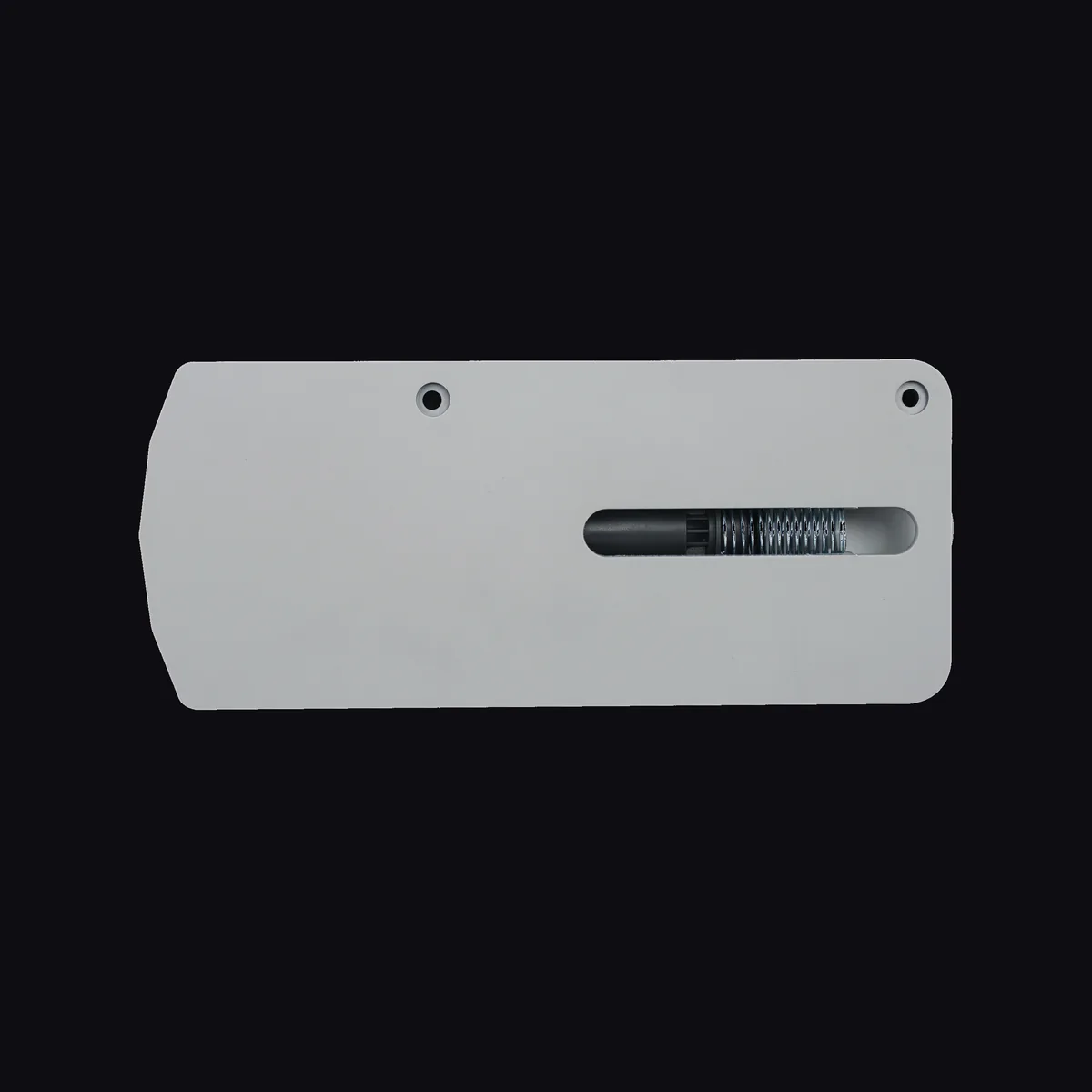
The hub takes the place of the printer’s single filament buffer and becomes the junction point for every AMS you attach. Each AMS connects through the hub with a bus cable and a PTFE line, and the printer manages all of them together in Bambu Studio — loading, unloading, and switching filament across the whole bank without you swapping anything by hand.
Hub to Printer, AMS Units in Series.
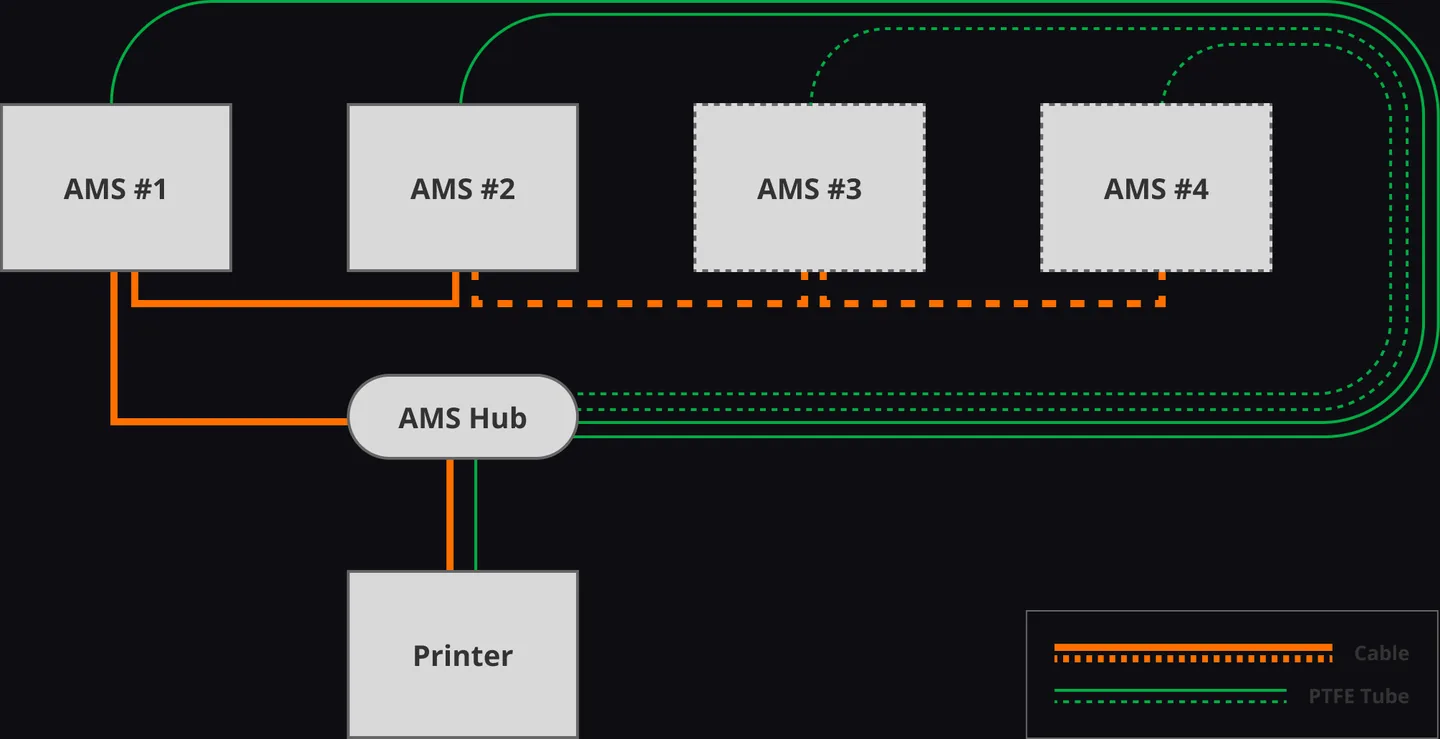
Installation is straightforward: the hub mounts on the back of the printer in place of the filament buffer, connects to the printer with the 4-pin cable, and links to the first AMS with a 6-pin bus cable. Additional AMS units chain from there in series. Each unit’s filament routes through a PTFE line to the hub and on to the toolhead — one tidy path, buffered for reliable feeding.
Buffered, Redundant Signal Handling.
Beyond just splitting connections, the hub provides buffered signal handling across every AMS on the chain, so communication stays reliable as you add units. That’s the difference between simply plugging in more hardware and having the printer coordinate a large filament bank cleanly — fewer feed errors, smoother switching, and predictable behavior on long multi-color or multi-material prints.
Starts With Two AMS. Scales to Four.
The AMS Hub includes the cabling you need to connect two AMS units right away. When you’re ready to grow to three or four, each additional unit needs one more 6-pin bus cable and one more 2 m PTFE tube — inexpensive parts Rev1 can supply with the hub so you have exactly what your setup needs. Build the filament bank up as your color and material demands grow.
For X1 and P1 Series Printers.
The AMS Hub is designed for Bambu Lab’s X1 and P1 series — X1 Carbon, X1E, P1P, and P1S — the machines that support multi-AMS expansion. It works with the standard Bambu AMS unit. If you want to confirm the hub and the right number of add-on cables for your exact printer and how many AMS you plan to run, Rev1 can spec it before you order.
Bambu Lab AMS Hub — Specs
WHY REV1 TECH
Authorized Bambu Lab Reseller. Additive Specialists.
Rev1 Technologies is an authorized Bambu Lab reseller in Auburn Hills, MI, supporting engineers, print farms, and manufacturers across the USA.

We stock the Bambu ecosystem and support it — from printers and filament to the AMS units, hubs, and cables that make big multi-material setups work. Buy the accessory from a team that can help you build it out.
FAQ
Frequently Asked Questions
What does the Bambu AMS Hub do?
It lets an X1 or P1 series printer connect and manage more than one AMS unit at a time. A single AMS gives four filament channels; the hub lets you chain up to four AMS units together for up to 16 channels, replacing the printer’s built-in filament buffer and coordinating filament switching across all of them from Bambu Studio.
How many AMS units can I connect?
Up to four AMS units per printer, for a maximum of 16 filament channels. The hub ships with the cabling to connect two units; to reach three or four you add one 6-pin bus cable and one 2 m PTFE tube per additional AMS. Rev1 can include those add-on parts with your hub so you have a complete setup for the number of units you plan to run.
Does it replace the filament buffer?
Yes. The AMS Hub mounts on the back of the printer in place of the standard filament buffer and takes over that role, adding buffered, redundant signal handling across every AMS on the chain. If you currently run a single AMS with the built-in buffer, the hub is what you install to move up to a multi-AMS configuration.
Which printers is it compatible with?
The AMS Hub is designed for Bambu Lab’s X1 and P1 series — X1 Carbon, X1E, P1P, and P1S — which support multi-AMS expansion. It works with the standard Bambu AMS unit. If you’re unsure whether your printer supports multiple AMS or how many you can add, contact Rev1 and we’ll confirm before you order.
Do I need the hub just to use one AMS?
No — a single AMS connects to a compatible printer using the built-in filament buffer, no hub required. You need the AMS Hub only when you want to run two or more AMS units on the same printer. It’s the piece that turns a single-AMS setup into a multi-AMS filament bank.
Is this a genuine Bambu Lab part?
Yes. Rev1 Technologies is an authorized Bambu Lab reseller, and this is a genuine Bambu Lab accessory — not a third-party clone. Using the OEM hub matters for a multi-AMS setup, where correct signal handling and fitment across several units directly affect print reliability.