Training that turns new equipment into working capability.
Rev1 Technologies trains your team on the 3D printers, 3D scanners, and engineering software we sell — installation, activation, operator onboarding, and application workflows, from Auburn Hills, Michigan.
Hardware only pays off once people can run it confidently. We install and activate the system, teach the operators who will use it every day, and stay reachable through our support desk once training ends.
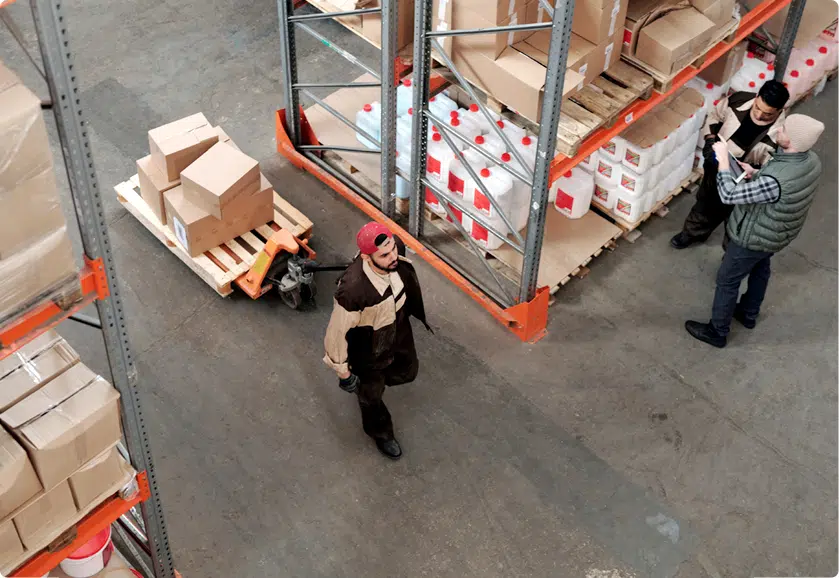
Every training engagement is scoped to your team.
Tell us what equipment or software you're running, how many people need to be trained, and what they need to be able to do at the end. We'll put together a scope and a quote.
Get the printer installed — and your operators running it.
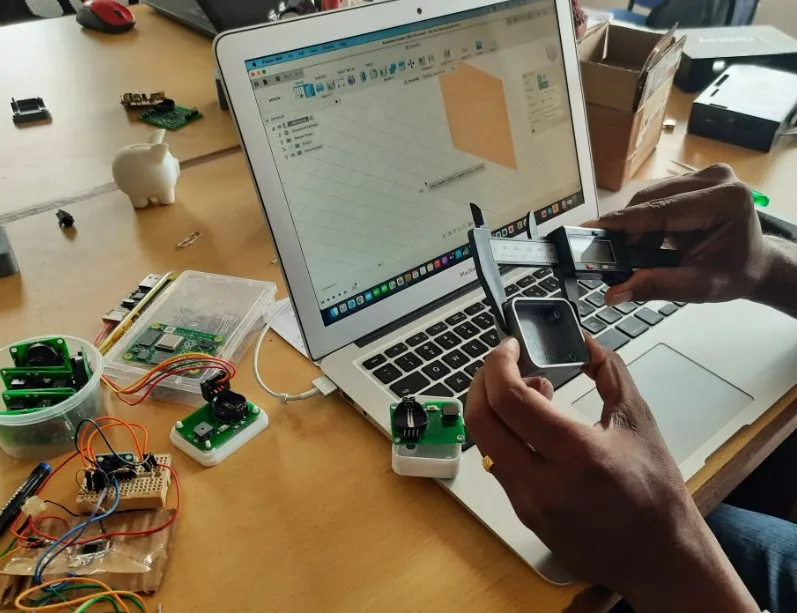
Our support desk runs a dedicated 3D Printer Installation | Training department for exactly this. We set the machine up, confirm it prints correctly, and then walk the people who will use it through day-to-day operation rather than handing over a manual.
- Installation & first print — unboxing, placement, levelling and calibration, and a verified first part off the machine.
- Slicer and workflow setup — profiles, material settings, and the file path from CAD to printed part.
- Operator training — loading and changing material, part removal, support strategy, and safe handling.
- Maintenance routine — nozzle and build-surface care, consumable changes, and what to check when quality drifts.
- Print-parameter tuning — adjusting settings for the materials and part geometries your shop actually runs.
From licence activation to a scan you can trust.
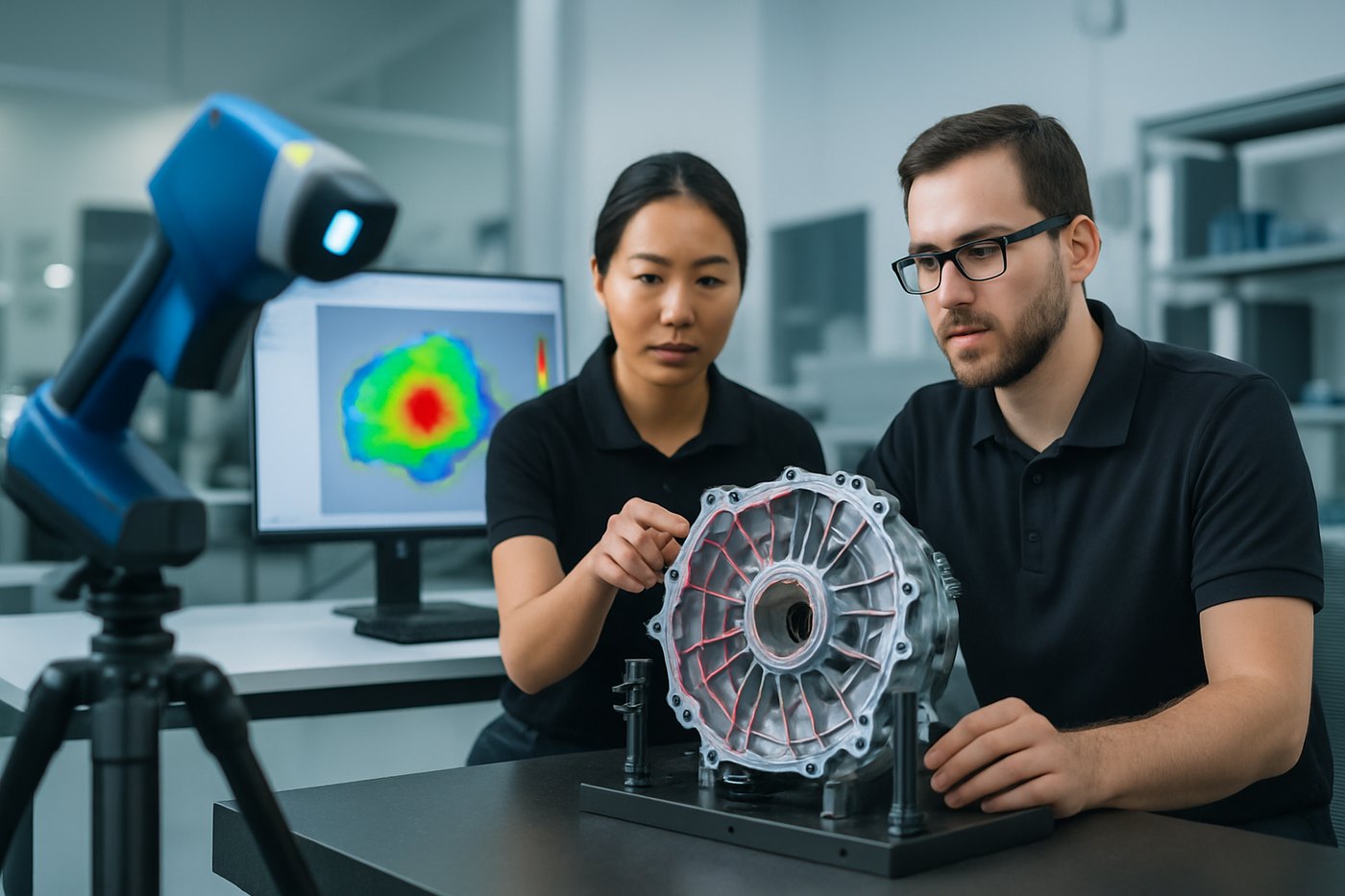
Our 3D Scanner Activation | Training department handles the setup side — getting the scanner and its software licensed, connected, and calibrated — and then trains your team on how to capture data that holds up downstream.
- Activation & setup — licensing, software install, device connection, and calibration checks.
- Capture technique — targets and markers, exposure, coverage strategy, and handling reflective or dark surfaces.
- Alignment & mesh processing — registering scans, cleaning and merging data, and producing a usable mesh.
- Application training — whether the output is feeding reverse engineering, inspection, or an as-built model.
- Export & handoff — getting the right file formats into the CAD, inspection, or simulation package your team uses.
Training on the software we sell and support.
We train on the packages in the Rev1 catalog, so the people teaching it are the same people who support it. Scope and depth are set per engagement — tell us the workflow you need your team to own.
Geomagic Design X
Scan-to-CAD reverse engineering — turning mesh data into editable, parametric solid models.
- Mesh preparation and region grouping
- Sketch, extract, and surface-fit workflows
- Feature-tree modelling from scan data
- Export into your CAD system
Geomagic Wrap
Point-cloud and mesh processing for teams working with scan data directly.
- Point-cloud cleanup and decimation
- Mesh repair, filling, and smoothing
- Surfacing and organic geometry
- Preparing meshes for print or analysis
Geomagic for SolidWorks
Scan-to-CAD inside the SolidWorks environment your engineers already use.
- Importing and aligning scan data
- Building features against mesh reference
- Staying inside the SolidWorks tree
- Fitting the workflow to existing CAD standards
PolyWorks
Dimensional analysis and inspection across scanned and probed data.
- Alignment strategies and datum setup
- GD&T evaluation and feature measurement
- Deviation colour maps
- Repeatable, reusable inspection projects
Geomagic Control X
3D inspection and reporting for quality teams moving off manual methods.
- Part-to-CAD comparison
- Building an inspection template
- GD&T callouts and tolerance evaluation
- Generating inspection reports
Ansys SpaceClaim & Discovery
Direct modelling and up-front simulation for design and analysis engineers.
- Direct geometry editing and repair
- Preparing CAD for simulation
- De-featuring and mid-surfacing
- Live exploration in Discovery
We also train on LixelStudio for teams running Lixel handheld LiDAR scanners — capture setup, point-cloud processing, and export. Not sure which package fits your workflow?
Built around the workflow you actually run.
Generic software walkthroughs rarely stick. We prefer to train against the parts, tolerances, and deliverables your team deals with day to day, so what people learn maps directly onto Monday morning.
- Scan-to-CAD — taking a physical part through capture, mesh processing, and into an editable CAD model.
- Inspection reporting — setting up alignments, evaluating GD&T, and producing a report a quality team can sign off.
- Print-parameter tuning — dialling in profiles for the materials and geometries your shop prints.
- Simulation prep — cleaning and simplifying geometry so it's ready for analysis.
- Handoffs between tools — making the path from scanner to CAD to inspection to print work end to end.
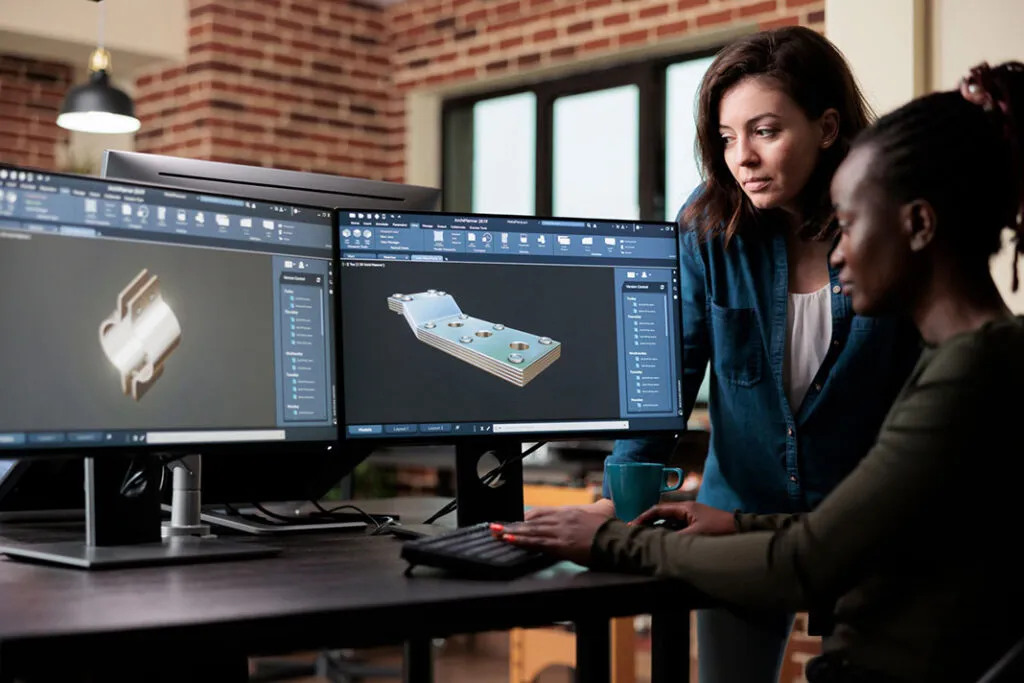
On-site, remote, or a mix of both.
Installation and hands-on hardware training usually work best on-site, at the machine. Software and follow-up sessions often work just as well remotely — and are easier to schedule around production. Most teams end up with a combination.
- On-site — we come to your facility and train at the equipment, with your parts and your operators.
- Remote — screen-shared software sessions, useful for follow-ups, new starters, and distributed teams.
- Hybrid — on-site for install and hardware, remote for the software and refresher sessions that follow.
- At Rev1 — sessions can also run from our Auburn Hills technology center.
Session length, group size, and schedule are set per engagement — we work around your production calendar rather than a fixed course timetable.
From request to a team that can run it.
Scope
We talk through the equipment or software involved, who needs training, and what they need to be able to do afterwards.
Quote
You get a written scope and a quote covering delivery method, content, and where the session runs.
Install or activate
Where hardware is involved, we install the printer or activate the scanner and confirm it's working before training starts.
Train
Hands-on sessions against your parts and your workflow — operation, application, and the software that goes with it.
Verify
Your team runs the workflow themselves while we're there, so gaps surface while there's still someone to ask.
Follow up
Questions after training go to the Rev1 support desk, and refresher or new-starter sessions can be added later.
Whoever has to make the equipment earn its keep.
New-equipment buyers
Teams taking delivery of a printer or scanner who want it productive from week one, not month three.
New operators
Onboarding for people joining a team that already runs the equipment, so knowledge doesn't leave with one person.
Quality & inspection
Groups moving from manual measurement to 3D scanning and software-based inspection reporting.
Design & engineering
Engineers who need scan-to-CAD, direct modelling, or simulation-prep workflows in their day-to-day tools.
Shops scaling additive
Teams adding machines or materials who need consistent parameters and repeatable results across operators.
Teams with idle equipment
Hardware that was bought, installed, and then under-used because nobody was ever properly trained on it.
Trained by the people who sell it and support it.
The printers, scanners, and software we train on are products in the Rev1 catalog — not tools we picked up second-hand.
Rev1 does 3D scanning, metrology, and printing as a service, so training comes from production experience, not slides.
Our support desk runs the installation and activation departments — the same channel is there when questions come up later.
Sessions are built around what your team actually makes and measures, so the training transfers straight to the job.
Scanner, CAD, inspection, and print all get covered as one path — not four disconnected tools.
No fixed syllabus you have to fit into. We scope the content and the schedule to the team in front of us.
Training doesn't end when we leave.
Questions after the session go to the Rev1 support desk, and refresher or new-starter training can be added whenever your team changes.
Where training fits with the rest of Rev1.
Training sits alongside the services and resources we already run — and often starts from one of them.
Technical Resources
Instant quote tools, software, support portal, hardware catalog, and guides — all in one hub.
3D Scanning & Metrology
Have us run the scanning and inspection work — or train your team to run it in-house.
3D Printing
Parts printed by us, or printer installation and operator training so you can print them yourself.
Training — common questions.
What equipment and software do you train on?
The 3D printers, 3D scanners, and engineering software Rev1 sells and supports — including Geomagic Design X, Geomagic Wrap, Geomagic for SolidWorks, Geomagic Control X, PolyWorks, Ansys SpaceClaim and Discovery, and LixelStudio. If you're not sure whether your setup is covered, ask us.
Is training on-site or remote?
Both. Installation and hands-on hardware training generally happen on-site at the machine, while software and follow-up sessions often run remotely. Sessions can also be held at our Auburn Hills technology center. We'll recommend the mix when we scope it.
How long does training take?
It depends entirely on the equipment, the software, how many people are being trained, and what they need to be able to do at the end. We scope that with you up front so the schedule and content are agreed before anything is booked.
What does training cost?
Training is quoted per engagement rather than sold as a fixed package, because scope, delivery method, and travel all vary. Tell us what you need and we'll put a quote together.
Do you include installation and activation?
Yes. Our support desk runs dedicated 3D Printer Installation | Training and 3D Scanner Activation | Training departments, so setup, licensing, calibration, and the training that follows are handled together.
Can you train new operators later on?
Yes. Onboarding sessions for new starters and refresher training for existing operators can be arranged after the initial engagement — useful when staff change or you add machines.
Can training be built around our parts?
That's how we prefer to run it. Working through your own geometry, tolerances, and deliverables makes the training transfer directly to the work your team does.
What happens after training ends?
Follow-up questions go to the Rev1 support desk, the same channel that handles installation and activation. You can also come back for additional sessions as your workflow develops.
Do you train teams that bought equipment elsewhere?
Get in touch and tell us what you're running. What we can support depends on the specific hardware and software, so we'll be straight with you about whether it's a good fit.
Can we have Rev1 do the work instead?
Yes — we run 3D scanning, metrology, and 3D printing as services. Some customers start there and move to training once they decide to bring the capability in-house.
For immediate assistance:
(248) 707-2950
For immediate assistance:
…