Anycubic Kobra X Combo Multicolor Desktop FDM, Built Around ACE 2 Pro
Up to 19 colors, 600 mm/s, and a perfect first layer — out of the box.
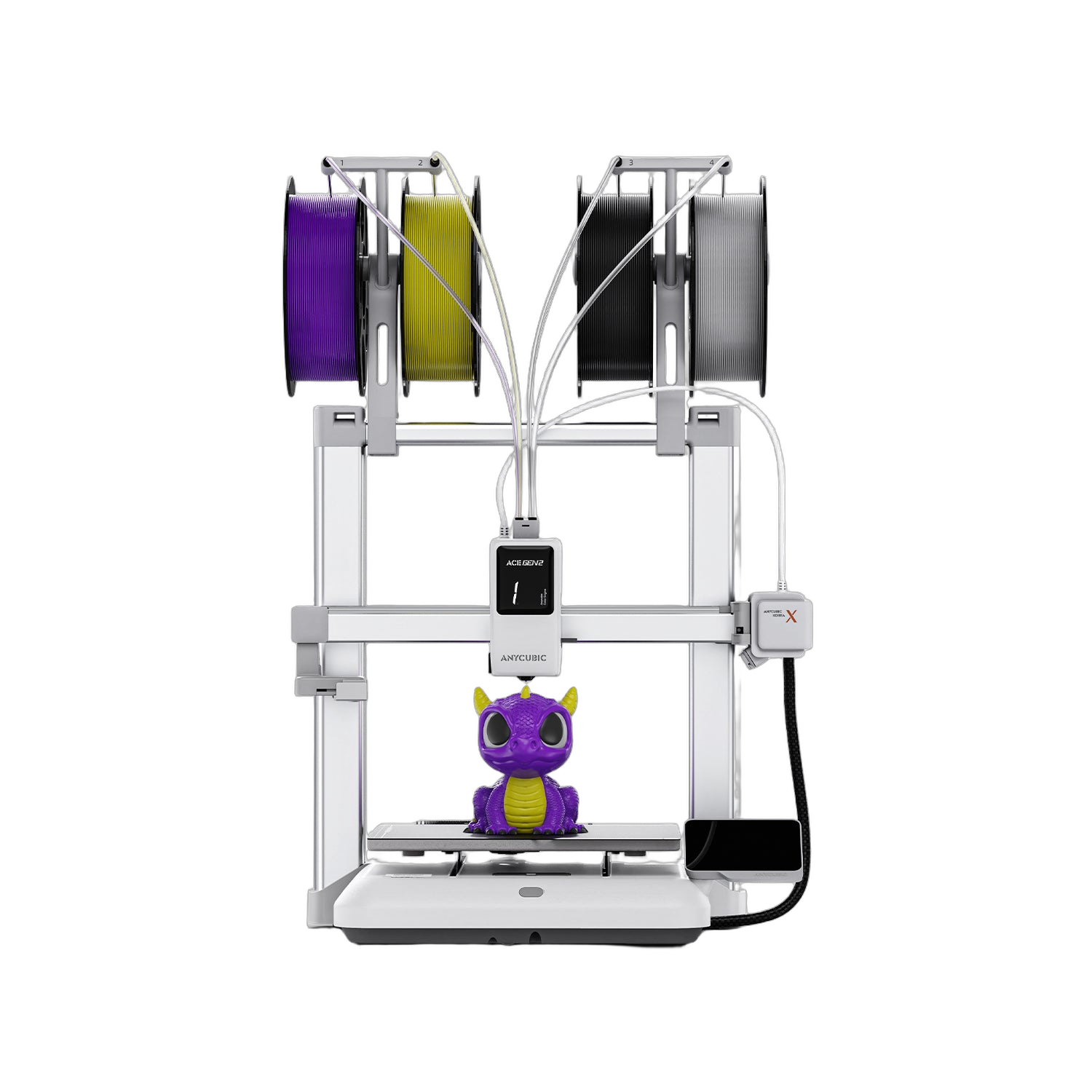
The Anycubic Kobra X Combo pairs a 600 mm/s CoreXY-class FDM printer with the new ACE 2 Pro multicolor engine — native 7-color printing, expandable to 19, with active 65°C filament drying while it prints. LeviQ3.0 auto-leveling, a 720P AI camera, and Kobra OS make it a print-and-walk-away machine for prototyping, education, and short-run multicolor parts. Full specifications →
Rev1 Technologies ships the Kobra X Combo from US stock with US phone and video support at (248) 707-2950. Choose your color configuration above, or talk to us about volume and education pricing.
A US Reseller That Backs the Box.
Rev1 Technologies is a US-based reseller of the Anycubic Kobra X Combo, shipping from a US warehouse with US phone and video support. We help you pick the right color configuration, get it printing, and stay running — with a real person on the line in Auburn Hills, Michigan.


ACE GEN2: 2X the Speed, 2X the Material Savings
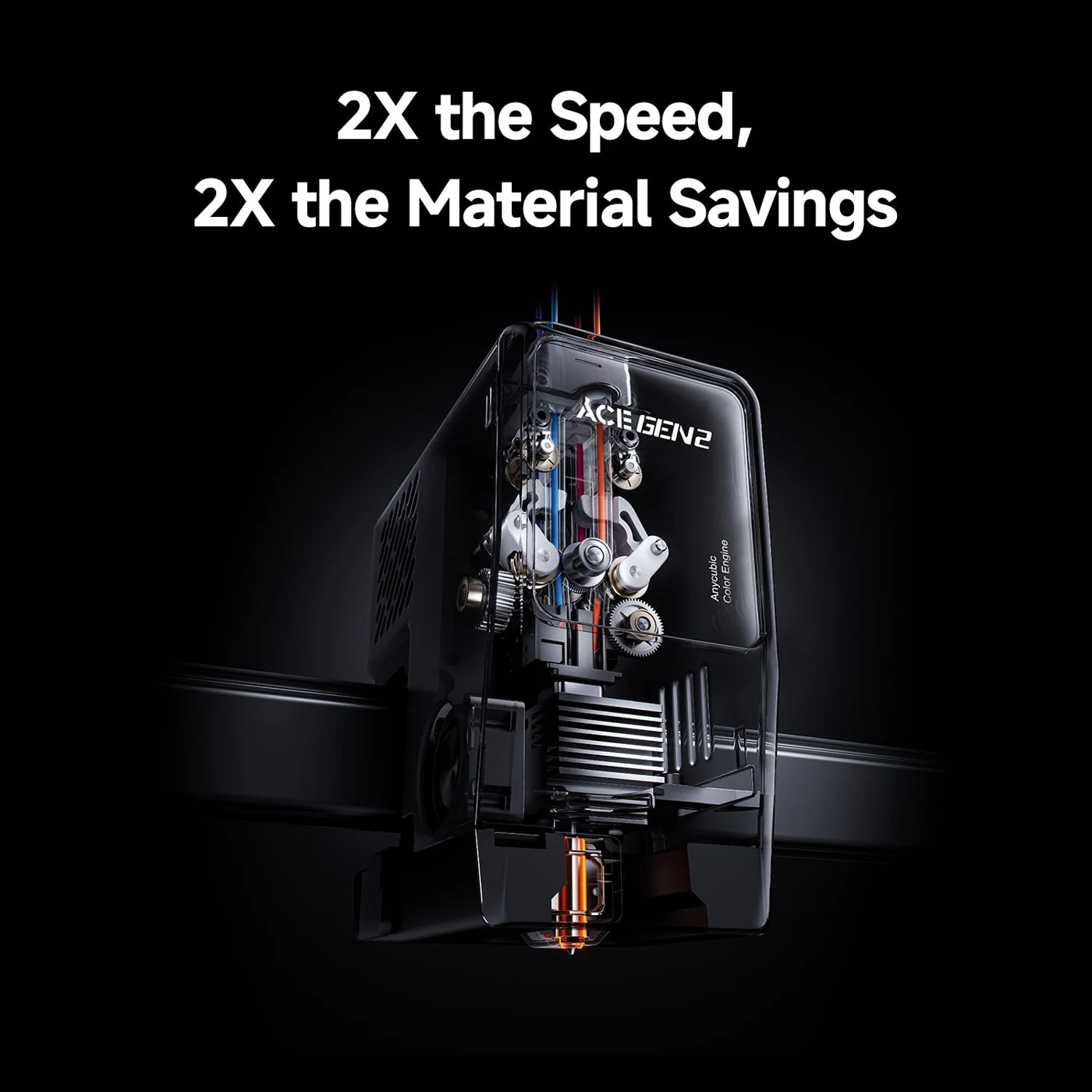
81% less filament wasted on every color change
Multicolor FDM normally pays a tax: every color swap purges a length of filament into the trash, and on a complex multi-color model those swaps can add up to a tower of waste as tall as the part itself. The ACE GEN2 engine at the heart of the Kobra X attacks both halves of that tax at once. It cuts color-change filament length by 81.25%, so you spend far less time and far less material switching between colors, and it keeps the toolhead moving through transitions instead of pausing to wipe. The result is multicolor printing that finishes dramatically faster and turns more of every spool into finished part instead of discarded purge — which matters whether you are printing one display piece or a tray of identical parts for a classroom.
Mix Soft and Hard in One Print — Without Messing It Up
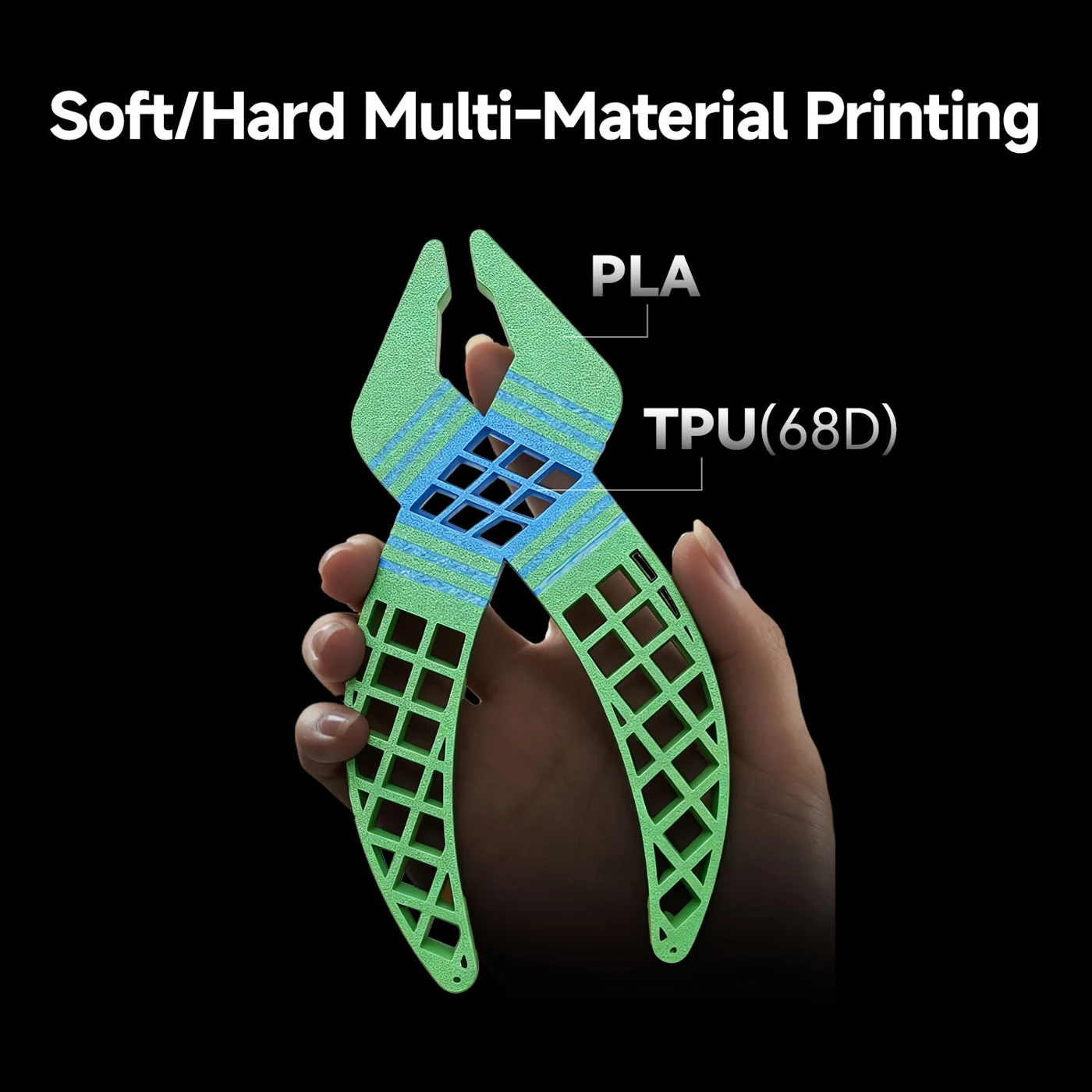
Adaptive extrusion force, automatically tuned per material
Rigid PLA and stretchy TPU behave nothing alike through an extruder — one wants firm, steady pressure, the other compresses and buckles under it — which is why most printers smear, under-extrude, or jam when you mix them in one part. The Kobra X carries an adaptive extrusion-force compensator that constantly senses filament hardness and adjusts pushing force in real time, channel by channel. That lets you print a rigid PLA body and a flexible TPU(68D) hinge in the same model, or pair a detailed print with dissolvable PVA supports that wash away to leave clean overhangs, and get crisp transitions exactly where soft meets hard. It opens up functional parts — living hinges, grips, gaskets, and seals — that a single-material printer simply can’t make in one pass.
LeviQ3.0: A Top-Tier First Layer, Every Time
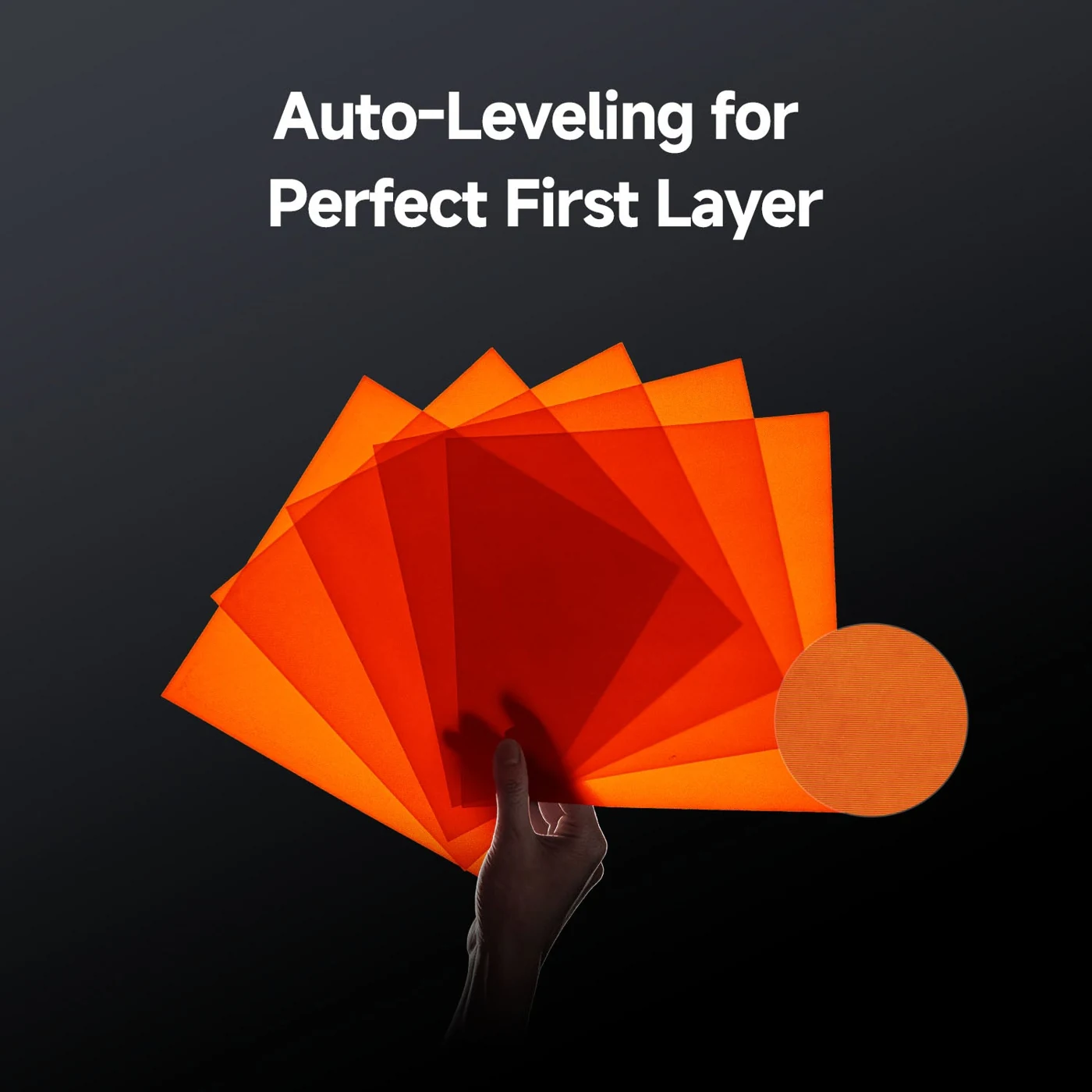
49-point mesh, <0.02 mm repeatability, zero manual fuss
A good print starts with a good first layer, and a bad first layer is the single most common reason a print fails before it ever gets going. LeviQ3.0 runs a 49-point automatic mesh with full manual-compensation-free operation — no paper-shimming, no live-Z fiddling. A new-generation leveling algorithm folds in multi-point data modeling to correct the smallest deviations and tightens X-, Y-, and Z-axis repeat precision to under 0.02 mm, so the nozzle meets the bed at the same height pass after pass. The PEI spring-steel hotbed is engineered for even heat and superior flatness across the whole surface, so adhesion stays consistent from the center to the corners. You load the flexible plate, hit print, and the machine handles calibration on its own.
Fast and Smooth Sailing — a Benchy in 14 Minutes
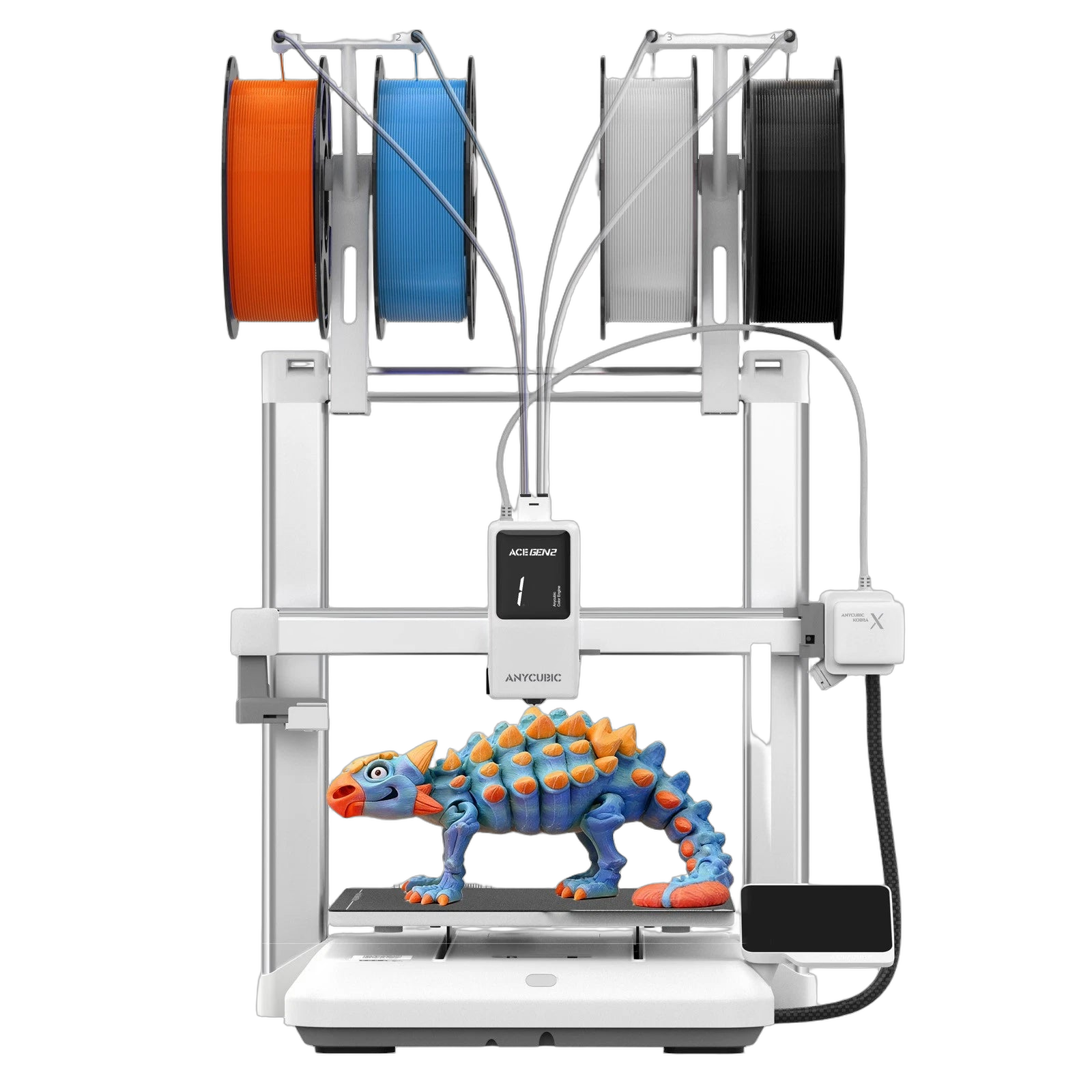
600 mm/s top speed, kept clean by automatic calibration
The Kobra X runs at a recommended 300 mm/s and tops out at 600 mm/s with 20,000 mm/s² acceleration — fast enough to complete a Benchy in about 14 minutes and save up to 80% of print time versus older desktop machines. But raw speed is easy to claim and hard to keep clean: push most printers that fast and you trade finish for throughput. Kobra OS closes that gap with two calibration systems working in the background. Flow dynamic calibration coordinates speed and extrusion force in real time, automatically adjusting the flow factor so walls stay crisp as the toolhead accelerates. A built-in accelerometer maps the machine’s resonant frequencies and applies input shaping to cancel the ringing and ghosting that high acceleration normally leaves behind. You get the speed without the surface artifacts — on single-color parts and on full multicolor builds alike.
Dry While You Print, Feed Without a Jam
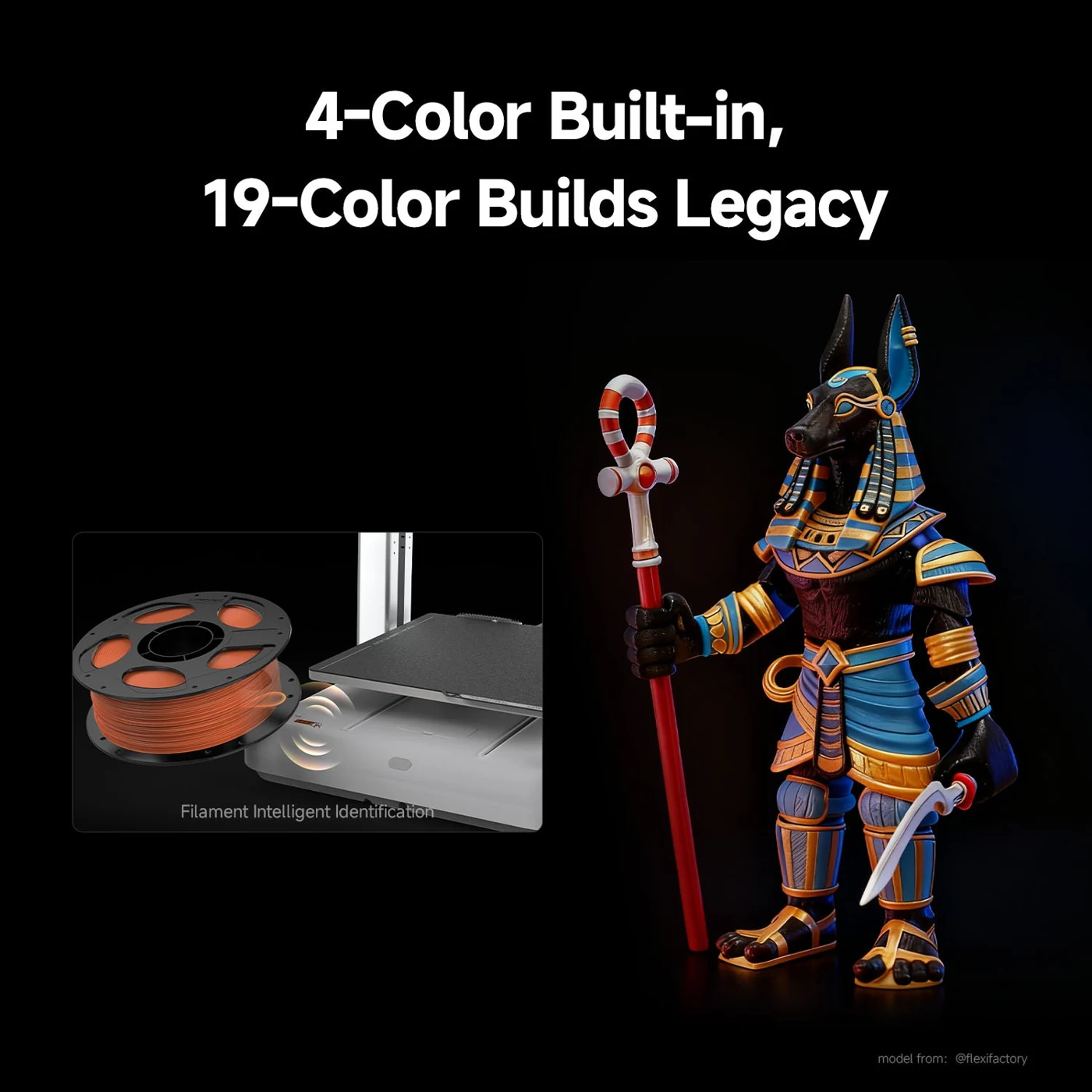
65°C active drying, four brushless motors, ≤48 dB
Damp filament ruins prints — it causes popping, stringing, weak layers, and rough surfaces, and materials like PETG, TPU, PVA, and the CF-filled grades absorb moisture fast. Most printers leave drying to a separate box you have to remember to use. The ACE 2 Pro builds it in: active drying at up to 65°C runs while the machine prints, with built-in temperature and humidity sensors monitoring the chamber in real time so your spools stay as fresh as the day they arrived. Feeding is just as deliberate. Four independent brushless motors and a next-generation buffering mechanism drive smooth, jam-free feed and retraction on every channel, so a long multicolor job doesn’t stall halfway through on a tangle. The motors are rated for a 5,000-hour lifespan and run under 48 dB — about as loud as a quiet office, quiet enough to leave running overnight or in a classroom.
Start at 7 Colors. Scale to 19.
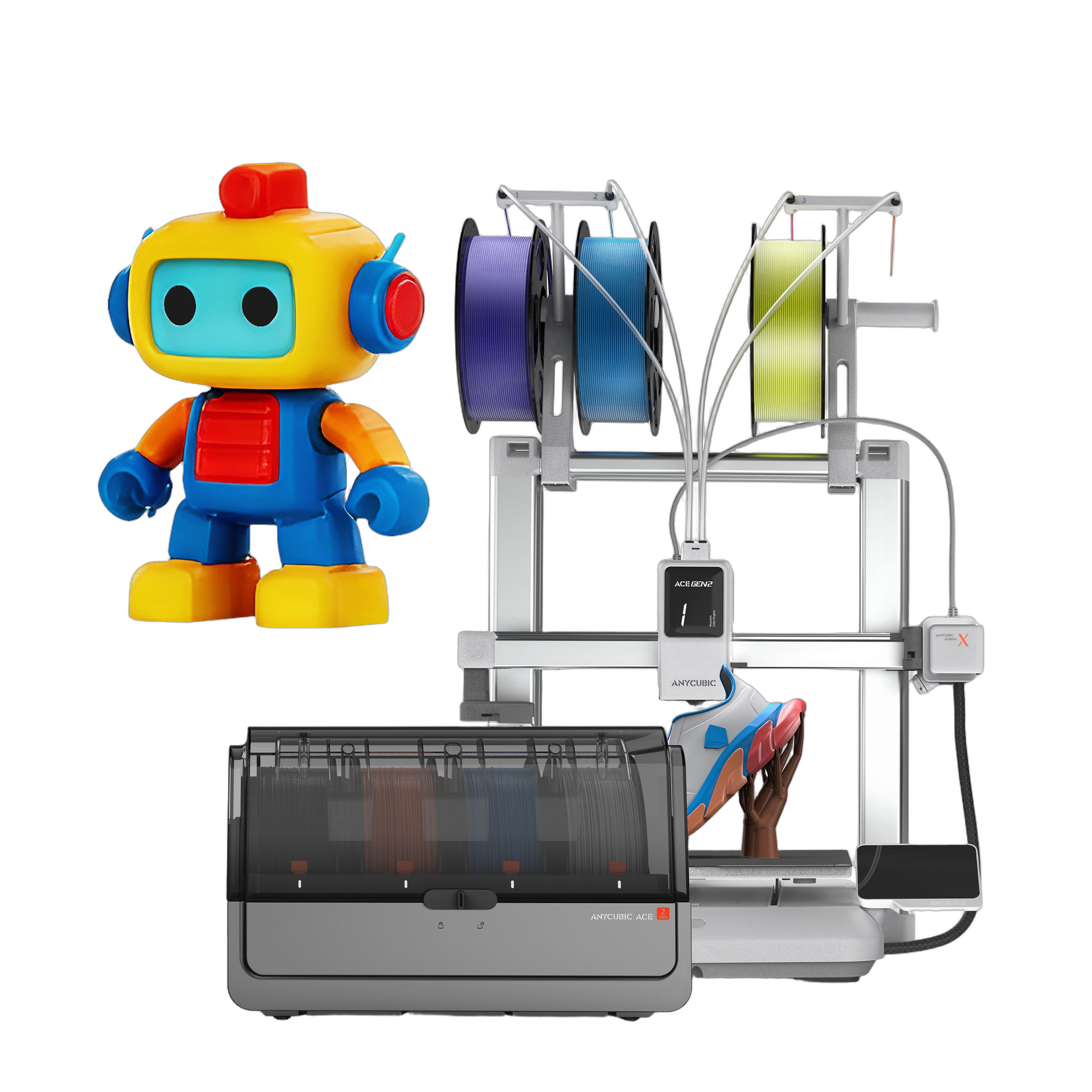
Chain up to four ACE 2 Pro units for true 19-color builds
The Combo ships ready for 7-color printing and scales with you instead of forcing the decision up front. Add a second ACE 2 Pro unit to reach 11 colors, then a four-unit configuration for true 19-color builds — enough to print display pieces, tabletop minis, cosplay props, and product mockups in their full palette without post-paint. Because the units chain rather than replace, you can start at the tier your budget allows and grow into the bigger palette as your projects do. An on-board print assistant keeps the larger setup manageable: it estimates remaining filament so you know your level at a glance, auto-refills from a depleted spool to a fresh one of the same color so a long job doesn’t stop for a swap, and auto-detects Anycubic filament parameters so you skip manual material setup entirely.
Anycubic Kobra X — Limit Less, Print More
720P AI Monitoring That Checks All the Boxes
Spaghetti detection, object-skip, and auto-recovery
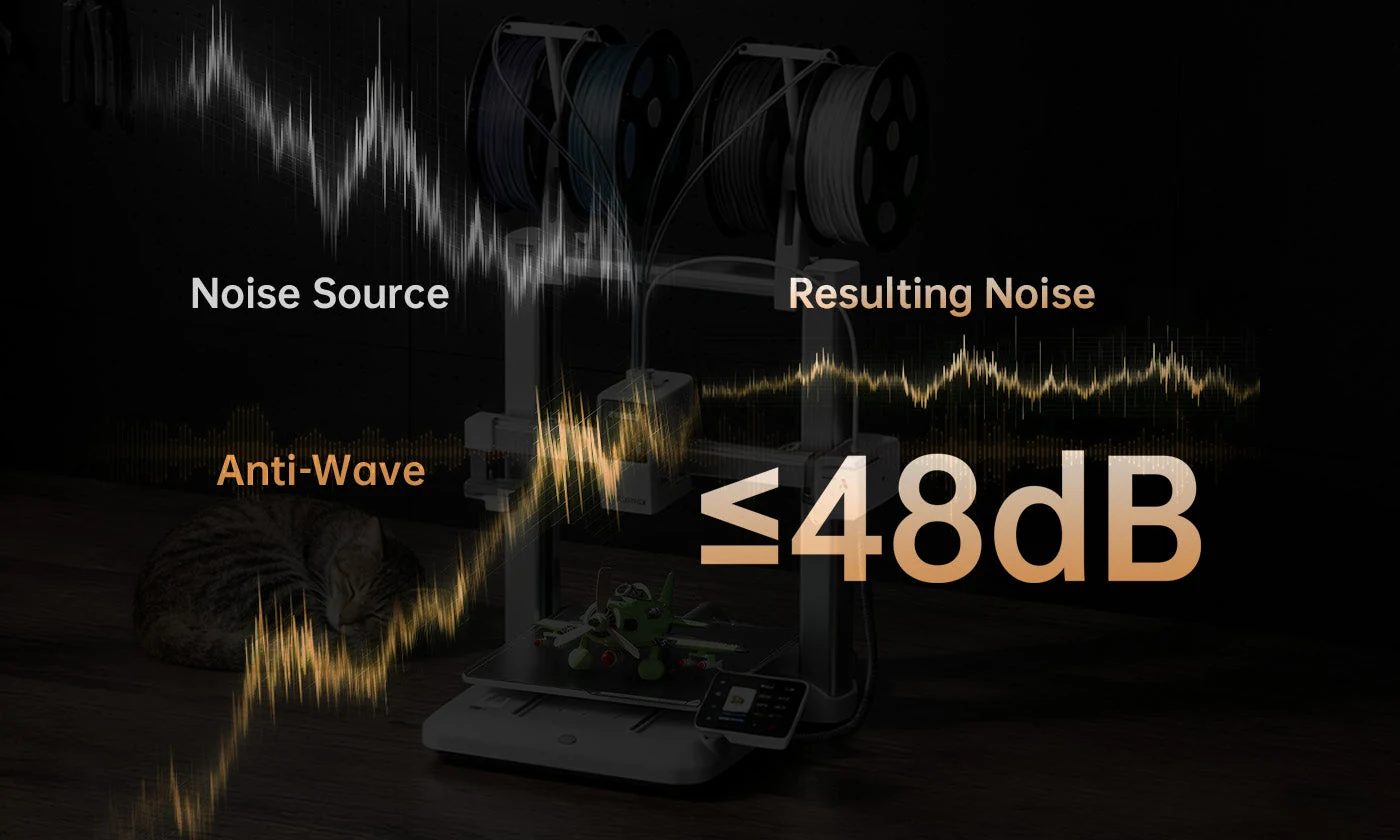
The longer a print runs, the more it costs you when it fails unnoticed — and multicolor jobs run long. A 720P camera and Anycubic’s in-house algorithm watch the print in real time so you don’t have to babysit it. Foreign-object detection spots debris on the bed before the first layer goes down, preventing failures and protecting the nozzle. AI spaghetti detection catches a print that has come loose and alerts you instantly rather than letting it bury the plate. If one part on a multi-part plate fails, object-skip simply drops that part and keeps printing the rest, so a single bad model doesn’t waste the whole run. After a power cut, the printer picks up exactly where it left off and continues as if nothing happened. Dual-band Wi-Fi (2.4G/5G) plus wired LAN keep file transfers rock-solid even across a busy shop network, and you can watch progress, start, or stop a job remotely from the Anycubic App with built-in time-lapse to capture the result. And because an in-house motion system actively cancels noise to keep the machine under 48 dB — about as loud as a quiet office — you can leave it running overnight or in a shared classroom without anyone noticing.
Plug, Play, and Print — The Anycubic Ecosystem
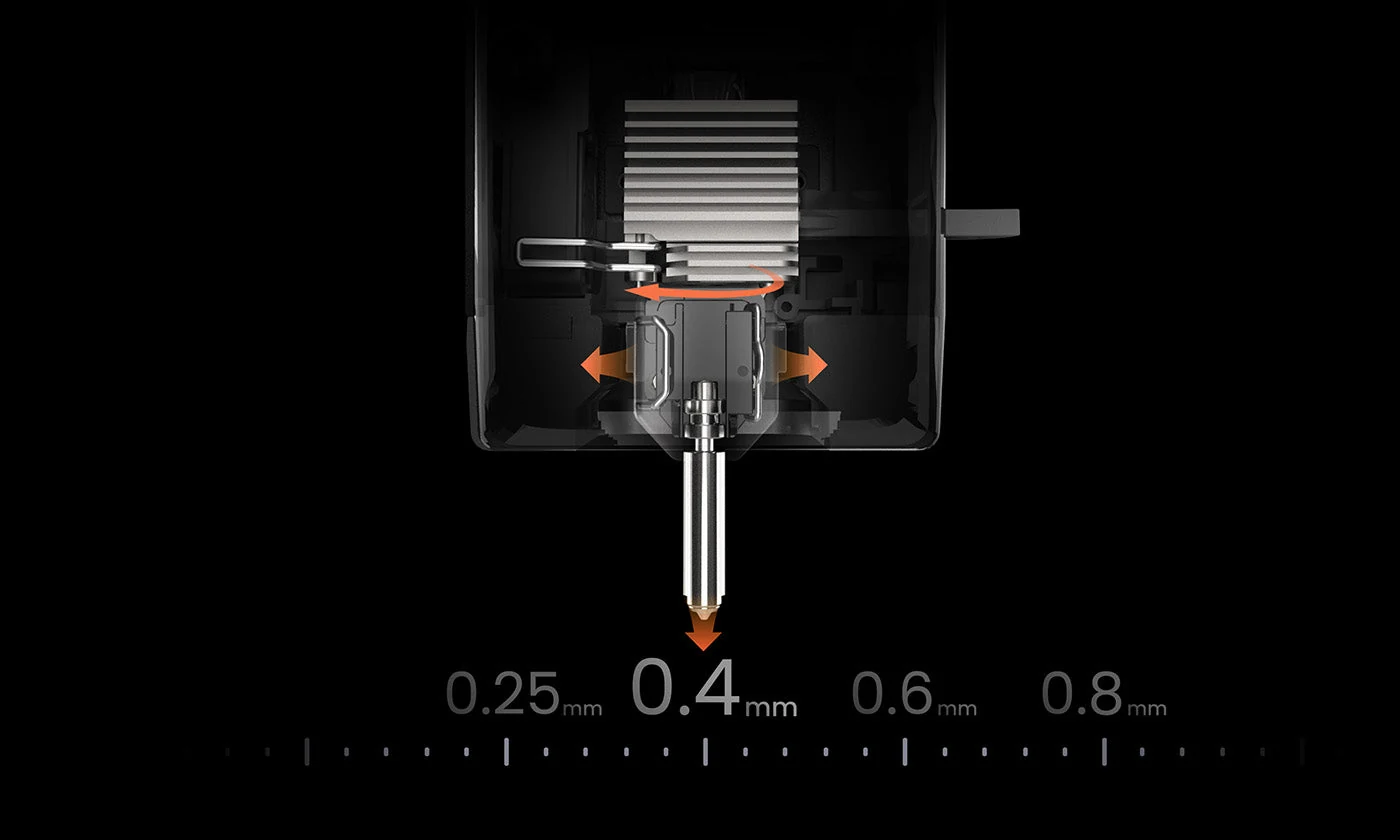
Quick-release hotend, one-click slicing, monitor from anywhere
A printer is only as good as the workflow around it, and the Kobra X is built to stay simple end to end. The standard 0.4 mm hardened-steel nozzle pops off through a quick-release latch — no hot tear-down, no wrenches — and swaps to 0.25 mm for fine detail or 0.6/0.8 mm for fast draft and large parts in seconds. Anycubic Slicer Next ships preloaded with tuned profiles for each material and is compatible with mainstream brands, so one click gives consistent, excellent results instead of an afternoon of trial slices. The Anycubic App adds remote monitoring and built-in time-lapse so you can check progress from your phone and share the print when it’s done, while seamless switching between the IoT cloud platform and local LAN modes, backed by dual-layer security, keeps your files and your data private.
What Ships With Your Kobra X Combo
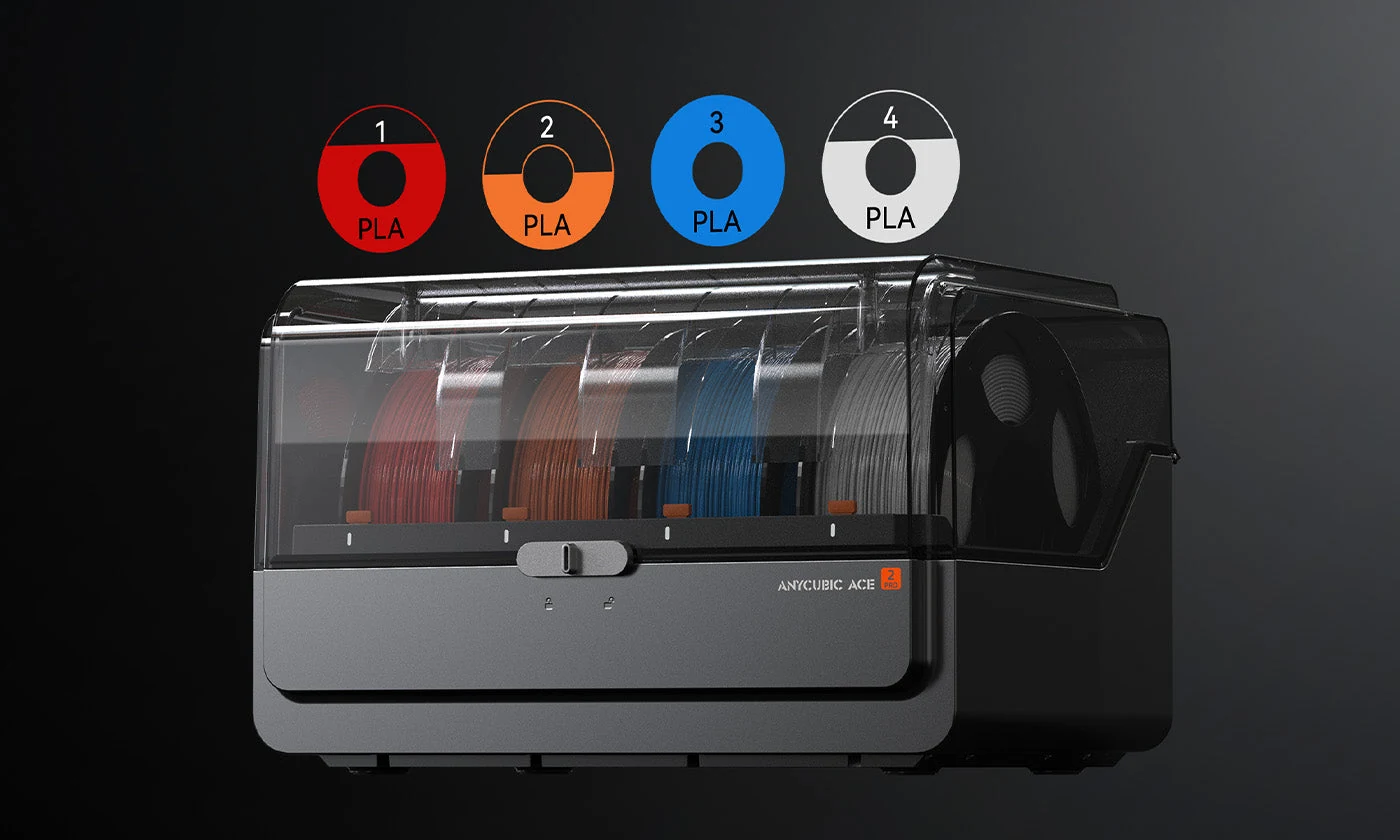
Printer, ACE 2 Pro, and everything to start
Every Kobra X Combo includes the Kobra X printer (gantry frame plus base), the ACE 2 Pro multicolor and drying unit, spool holders and shafts, a purge wiper, PEI printing board, Teflon feed tubes, filament samples, a nozzle cleaner and tool kit, grease, cable management, and the user manual. Choose your color tier and optional 4 kg filament bundle above — or start bare and add spools later.
Kobra X Combo vs. Other Multicolor Desktop Printers
Compared against similar multicolor desktop FDM systems — all priced at or above the Kobra X Combo’s street price — the Kobra X leads on top speed and matches or beats the field on color capacity and drying. Prices below are approximate street prices for the base multicolor bundle.
| Multicolor System | Anycubic Kobra X Combo | Bambu Lab A1 + AMS lite | Creality K1C + CFS | Anycubic Kobra 3 Combo |
|---|---|---|---|---|
| Street Price (base combo) | ~$549 | ~$559 | ~$729 | ~$549 |
| Build Volume | 260×260×260 mm | 256×256×256 mm | 220×220×220 mm | 250×250×260 mm |
| Max Speed | 600 mm/s | 500 mm/s | 600 mm/s | 600 mm/s |
| Native Colors | 7 | 4 | 4 | 4 |
| Max Colors | 19 | 8 (2 AMS lite) | 4 | 8 |
| Active Filament Drying | Yes (65°C) | No | No | No |
| Auto-Leveling | LeviQ3.0 (49-pt) | Full-auto | Auto | LeviQ2.0 |
| AI Camera | 720P | Add-on | Yes | Yes |
Anycubic Kobra X Combo Technical Data
RESOURCES
Downloads & Technical Support
Everything you need to set up and run your Anycubic Kobra X Combo with confidence.
WHY REV1 TECH
A US Reseller for Your Anycubic Hardware
Rev1 Technologies is a US-based reseller headquartered in Auburn Hills, MI, with hands-on expertise across desktop and industrial 3D printing.
Buying a multicolor printer online usually means a cardboard box, a slow email queue, and a long wait if anything goes sideways. Rev1 does it differently. We ship the Kobra X Combo from US stock so it arrives fast, we help you pick the right color tier and filament before you order so you don’t over- or under-buy, and we stay reachable by phone and video for first-print setup, ACE 2 Pro installation, multicolor slicing, and day-to-day troubleshooting. One US partner for the machine and everything around it — that is the difference between a printer you fight with and one that just works.
FAQ
Anycubic Kobra X Combo — Common Questions
The details buyers ask before ordering a multicolor desktop FDM printer.
How many colors can the Kobra X Combo print?
The Combo prints 7 colors natively with one ACE 2 Pro unit. Add ACE 2 Pro units to reach 11 colors (+1 unit) and up to 19 colors (+3 units, four total). Each tier is selectable above.
What is the ACE 2 Pro, and what does it do?
The ACE 2 Pro is Anycubic’s multicolor and drying unit. It feeds multiple filaments to the printer, actively dries them at up to 65°C while printing, and uses four independent brushless motors for smooth, jam-free feeding.
What materials can it print?
PLA, PETG, TPU, PVA, PLA-CF, PETG-CF, and ASA. The 300°C hardened-steel nozzle handles abrasive carbon-fiber filaments, and the ACE 2 Pro keeps moisture-sensitive materials dry.
How fast is it, really?
Recommended print speed is 300 mm/s with a 600 mm/s maximum and 20,000 mm/s² acceleration — fast enough for a Benchy in roughly 14 minutes. Flow and vibration calibration keep quality high at speed.
What is the build volume?
260 × 260 × 260 mm — a generous cube for a desktop multicolor machine, with room for sizeable single prints or multi-part plates.
Does it need a lot of manual setup?
No. LeviQ3.0 runs a 49-point auto-level with no manual compensation, filament intelligent identification auto-detects Anycubic material parameters, and Anycubic Slicer Next ships with preloaded profiles.
Can it print flexible and rigid materials together?
Yes. An adaptive extrusion-force compensator adjusts to filament hardness in real time, so you can combine rigid PLA with flexible TPU(68D) or pair models with dissolvable PVA supports in one print.
How does it prevent failed prints?
A 720P AI camera watches for spaghetti and foreign objects, object-skip drops a failed part while finishing the rest of the plate, and the printer auto-resumes after a power loss.
How do I connect and monitor it?
Dual-band Wi-Fi (2.4G/5G), wired LAN, and USB are all supported. The Anycubic App adds remote viewing and time-lapse, with seamless cloud/LAN switching for privacy.